Skillgine Copilot Adoption Academy
A practical free learning path for business owners and managers who want to turn Microsoft 365 Copilot into real productivity gains.
- Academy Tracks
- Featured Lessson
- Starter Resources
- Live Learning
Please Note: The free Skillgine Copilot Adoption Academy is a self-directed community learning programme for DIY learners. It provides training content and starter resources, but does not include personalized support or implementation assistance. For individuals and organizations that need hands-on training, team adoption support, customized workflows, and implementation guidance, we recommend enrolling in a paid Skillgine training programme. Click here to visit the business and solopreneurs training program
Learn Copilot. Apply Copilot. Adopt Copilot. Measure Copilot.
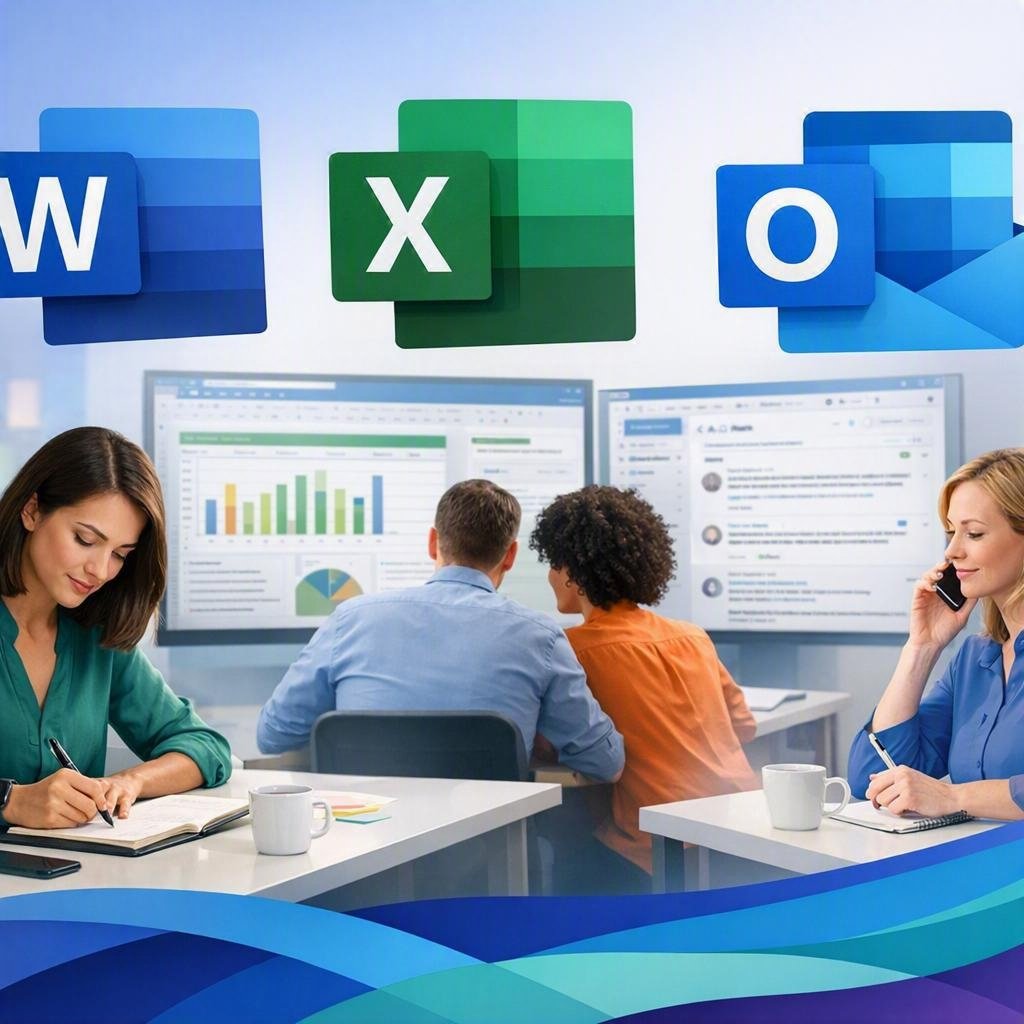
Works With the Apps your team already uses

ACADEMY TRACKS
Welcome to the FREE 13-week Skillgine Copilot Adoption Academy. We are excited to have you here. This training is designed to help you understand Microsoft 365 Copilot in plain English and learn how to use it in real business work.

Track 1
Copilot Foundations
- What Copilot Is
- Which version fits
- Whv adoption matters
Track 2
Daily Work
- Outlook
- Word
- Excel
- Teams

Track 3
Readiness & Setup
- Licensing
- Permissions
- File Structure
- Governance Basics

Track 4
Adoption for Teams
- 30-day plan
- Training rollout
- ROI tracking

Track 5
Mastermind & Improvements
- Monthly updates
- Advanced workflows
- Ongoing support
FEATURED FREE LESSON + 13 WEEK JOURNEY
A practical learning path for business owners and managers who want to turn Microsoft 365 Copilot into real productivity gains.
Lesson 1: Understand Microsoft Copilot
This first lesson in the Skillgine Copilot Adoption Academy gives you a plain-English starting point. No technical jargon. No hype. Just a practical explanation of what Copilot is, why it matters, and how to start using it in a way that saves time.
13-Week Learning Journey
Weeks 1-4: Foundations
Weeks 5-8: Daily Work Use Cases
Weeks 9-10: Readiness & Setup
Weeks 11-12: Adoption & ROI
Weeks 13+: Mastermind & Ongoing Support
STARTER RESOURCES
Starter Checklist
Assess business goals and first workflow
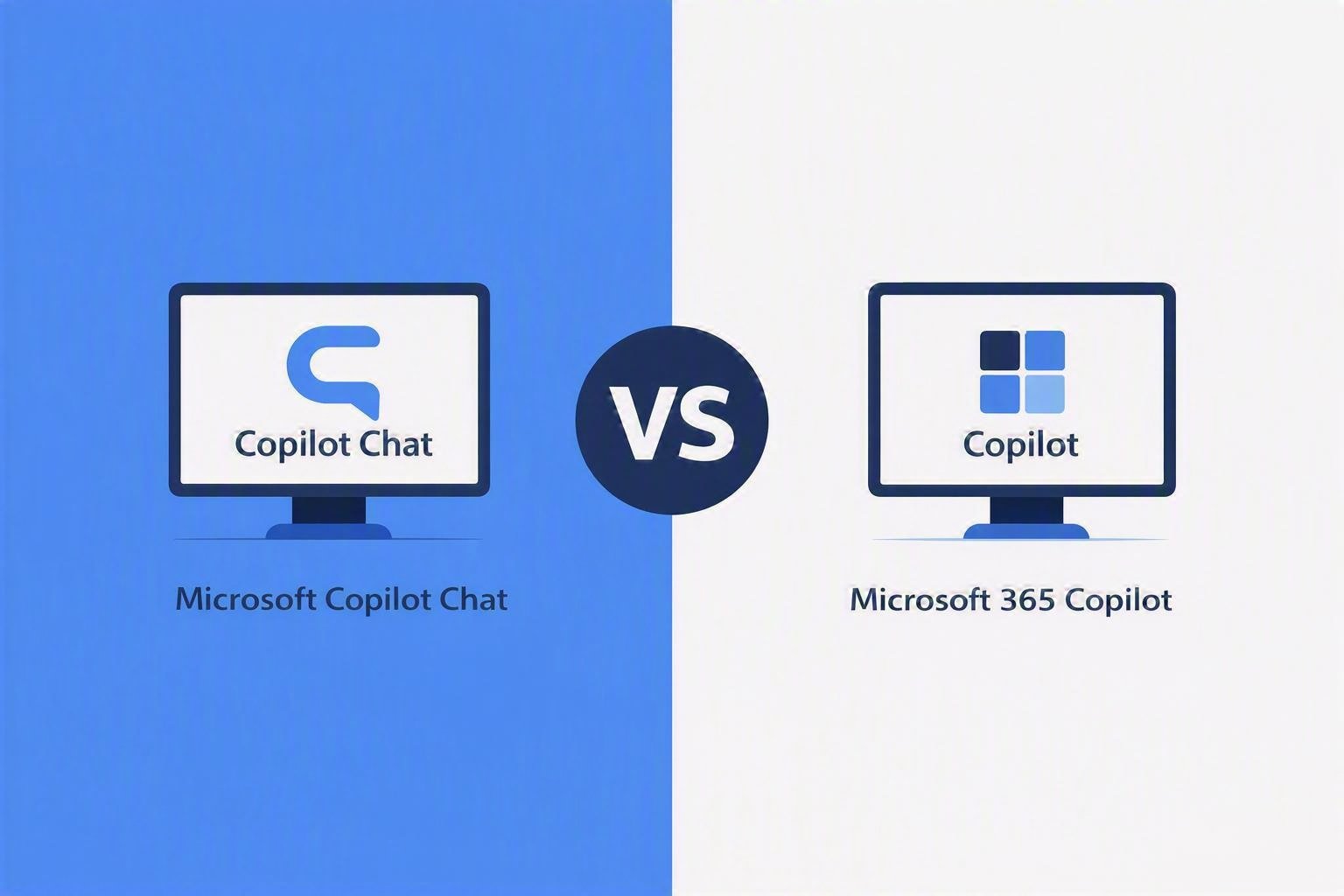
Copilot Version Guide
Copilot Chat vs Microsoft 365 Copilot
ChatGPT → Copilot Transition
How do you move safely?
30-Day Adoption Guide
Rollout steps, teams habits, and quick wins.
Need help beyond self-serve learning?
LIVE LEARNING

Next Webinar
Practical Copilot Session for Business Owners
Copilot Mastermind
Monthly Community for Ongoing Adoption
Join Our Newsletter



Skillgine provides Microsoft Copilot training and implementation services to businesses across Canada and the United States. We help organizations assess AI readiness, train employees, design practical workflows, develop Copilot agents, connect business applications and support long-term Copilot adoption.
COPILOT TRAINING
Copilot Training for Businesses
Copilot Training for Solopreneurs
Copilot Training for Office Professionals
Copilot Training for Non-Profits
Startup Bootcamps
Role-Based Copilot Training (Coming Soon)
Train-the-Trainer Programme (Coming Soon)
READINESS & ADOPTION
Who We Help
Small and Mid-Sized Businesses
Office Professionals
Consultants and Trainers
Non-Profit Organizations
Associations and Member Groups
Colleges and Training Providers
Startups
Sales and Customer Service Teams (Coming Soon)
Executives and Managers ( Coming Soon)
HR Managers ( Coming Soon)
Programmes & Resources
COMMUNITY
Microsoft Copilot Blog
Skillgine Copilot User Group
Copilot Adoption Academy
Skillgine Newsletter
Frequently Asked Questions (F.A.Q)
What Does Skillgine Do?
Skillgine helps organizations implement and adopt Microsoft Copilot. Services include Copilot readiness assessments, practical employee training, workflow design, Copilot implementation, custom Copilot agents, Copilot Studio solutions, MCP setup, Zoho CRM integration and ongoing adoption support.
Does Skillgine Provide Microsoft Copilot Training?
Yes. Skillgine provides practical Microsoft Copilot training for businesses, managers, office professionals, consultants, non-profits and other organizations. Training focuses on using Copilot in daily work across Microsoft 365.
Does Skillgine Integrate Copilot with Business Applications?
Yes. Skillgine provides Copilot integration services for supported business applications, including Zoho CRM. Services can include readiness review, workflow design, agent configuration, permission planning, employee training and adoption support.
What Is Skillgine’s MCP Setup Service?
Skillgine helps organizations plan and configure approved connections between AI agents and selected business systems using Model Context Protocol. The engagement can include business-workflow review, authentication requirements, access permissions, supported actions, approval requirements and user adoption.
Where Does Skillgine Provide Services?
Skillgine provides virtual Microsoft Copilot training, readiness, implementation and integration services to organizations across Canada and the United States.
Speak with a Copilot Specialist
- 1-844-904-8943
- Email Us
- Canada & USA
STAY CURRENT WITH COPILOT
By subscribing, you agree to receive Skillgine news, training updates and event information. You may unsubscribe at any time.

Copyright © 2026 skillgine | Privacy | Terms | Sitemaps | Accessibility | Refund Policy | Partner Terms | AI Ethical Use Policy
Microsoft, Microsoft 365, Microsoft Copilot and related product names are trademarks of the Microsoft group of companies. Skillgine is an independent training, implementation and adoption services provider unless otherwise stated.