Stop Testing AI. Start Putting It to Work.
Secure, responsible and practical Microsoft Copilot implementation for businesses across Canada and the United States.
Microsoft Copilot can help your employees work faster, improve communication and reduce repetitive work. But buying licences and sharing a few prompts will not create lasting business value.
Skillgine helps organizations move from AI interest to practical implementation. We assess your readiness, review information risks, develop responsible AI guidelines, train employees, build custom workflows and agents, connect approved business systems, and help leadership measure adoption and cost.
Whether you are beginning with Microsoft Copilot or exploring advanced AI agents, Skillgine gives you a clear path forward.
Serving businesses, professionals and strategic partners throughout Canada and the United States.

The Business Challenge
Copilot Has Potential. Your Business Needs a Plan.
Without the right structure, AI becomes another unused or unmanaged tool.
Many organizations begin with excitement. Employees attend a demonstration, try a few prompts and create some quick summaries.Then progress slows.
Some employees do not know where Copilot fits. Others may enter sensitive information into the wrong AI tool. Business workflows remain manual. Leaders cannot see whether licences are being used well. New agents add questions about permissions, security, accuracy and cost.
Successful implementation requires more than technical setup. It must connect six critical areas:
- Business goals: AI must solve an important problem.
- People: Employees need practical skills and clear responsibilities.
- Processes: Copilot must support real and repeatable work.
- Information: Business data must be organized and properly protected.
- Responsible use: Employees need clear boundaries for safe and ethical AI use.
- Measurement: Leaders need visibility into adoption, cost and business value.
Skillgine brings these areas together in one practical implementation programme.

The Skillgine Difference
More Than Training. Complete AI Business Implementation.
We connect Microsoft Copilot to your people, workflows, business systems and responsible-use standards.
A training session can show employees what Copilot can do. Implementation makes Copilot useful in daily work.
Skillgine combines:
- Copilot and AI readiness assessment
- Data security and information access assessment
- AI ethical-use guidelines
- Role-based employee training
- Custom AI workflow development
-
SharePoint AI Agents and Knowledge Automation
- Custom AI agent development
- Private LLM solutions
- CRM and ERP integration
- MCP server setup
- Custom agent skills
- Copilot usage measurement
- AI agent cost analysis
- Ongoing adoption support
We begin with your business problem, not the newest technology.
Before recommending a custom agent, private LLM or complex integration, we identify the work that needs to improve. We then select a practical solution that fits your business needs, risk level, budget and technology environment.
The Skillgine Implementation Framework
From AI Interest to Business Impact
A practical implementation framework built around value, trust and adoption.
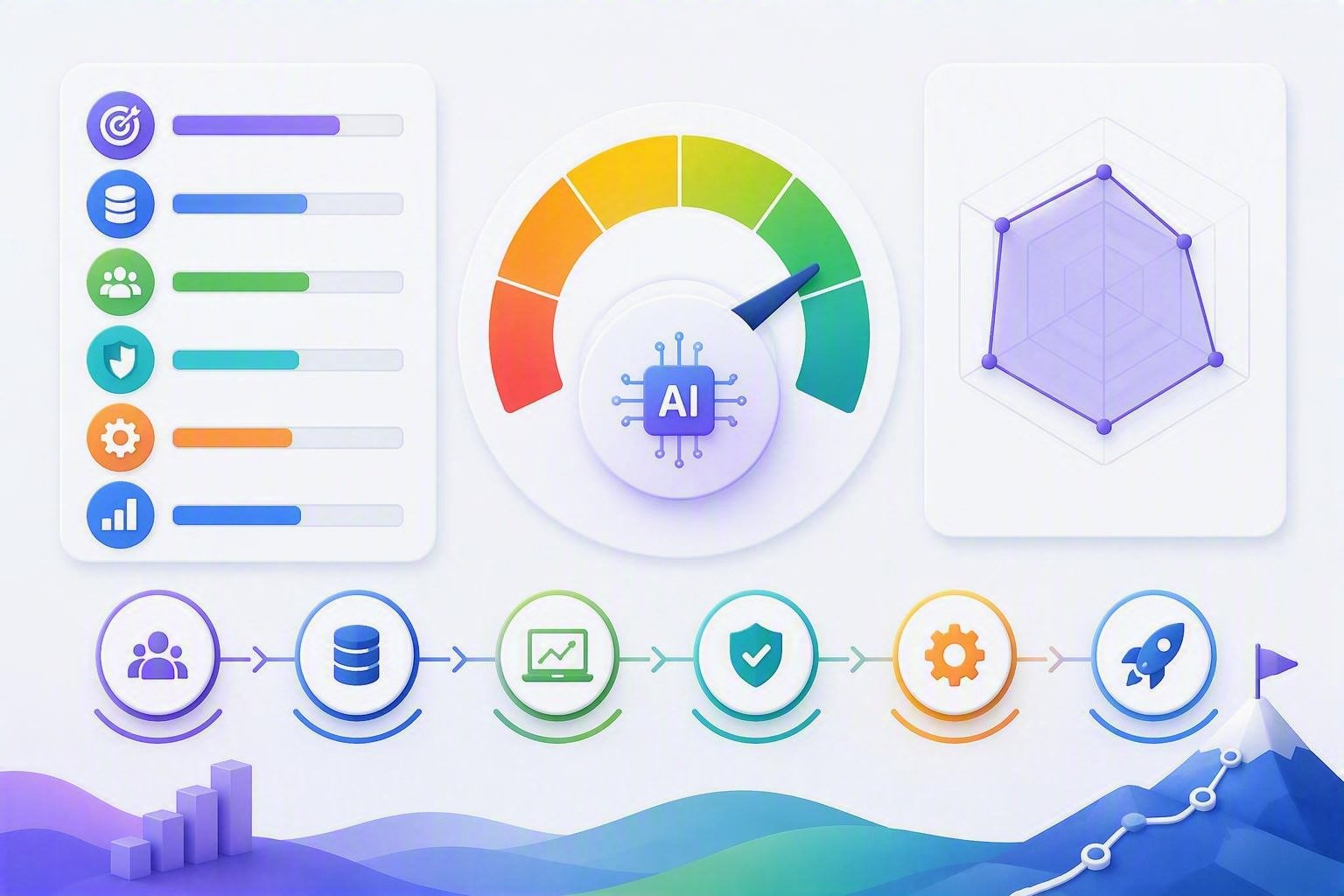
Step 1: Copilot and AI Readiness Assessment
Find the best place to begin.
We review your business goals, employee roles, Microsoft 365 environment and current processes.
The assessment helps identify:
- Work that consumes too much employee time
- High-value Copilot opportunities
- Employee skill and confidence gaps
- Custom workflow opportunities
- Potential agent use cases
- Business system integration needs
- Adoption barriers
- Cost and governance considerations
Your outcome: A prioritized Copilot and AI implementation roadmap.
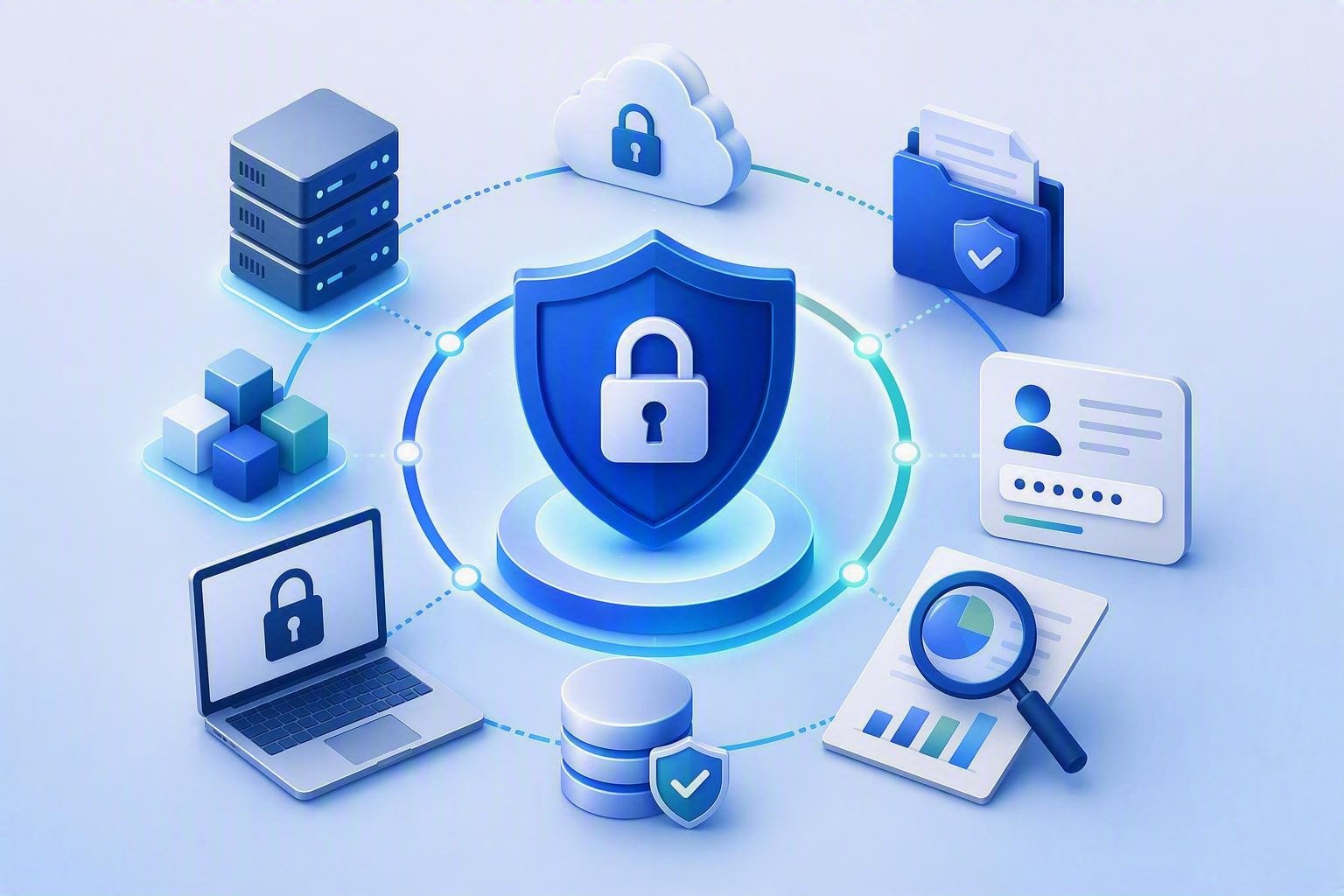
Step 2: Data Security and Information Assessment
Understand what Copilot and your AI agents can access.
AI output depends on the information available to the user or system. Poor file organization, outdated permissions and uncontrolled connections can create unnecessary business risk.
Skillgine helps your organization assess its information environment before expanding Copilot or agent use.
The assessment may examine:
- Microsoft 365 information sources
- SharePoint and OneDrive organization
- User access and permission concerns
- Sensitive or confidential information
- Outdated or duplicated business content
- Information used by custom agents
- CRM and ERP data connections
- External connectors and APIs
- MCP server access
- Retention and information-handling requirements
- Human approval requirements
Your outcome: A clearer view of information risks, access concerns and preparation priorities.
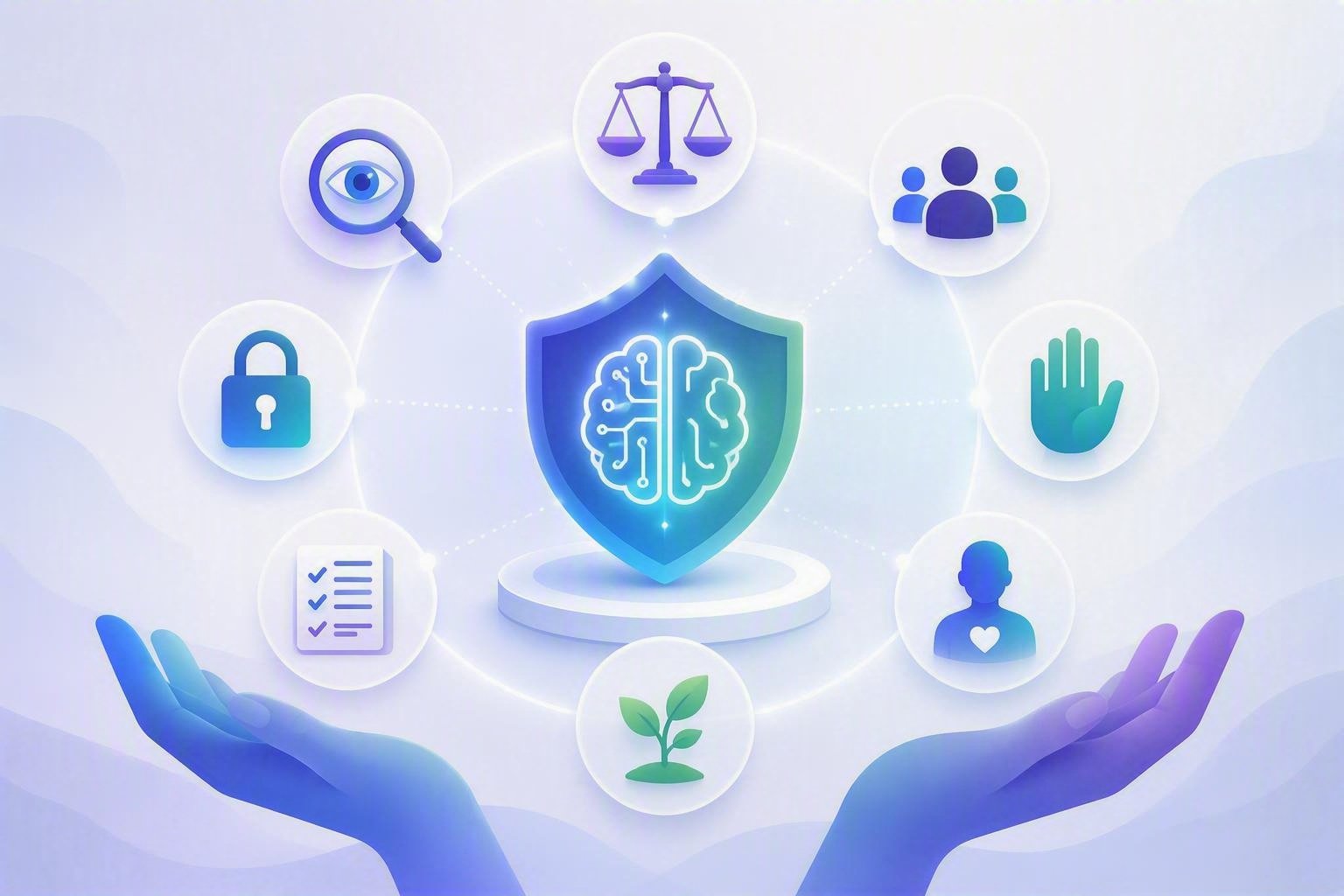
Step 3: AI Ethical-Use Guideline
Give employees clear rules before problems appear.
Employees should understand not only how to use AI, but also when to slow down, verify an answer or involve a person.
Skillgine helps organizations develop plain-language AI ethical-use guidelines that employees can understand and apply.
Guidelines may address:
- Appropriate and inappropriate AI use
- Protection of confidential information
- Human review of AI-generated work
- Accuracy and fact-checking
- Bias and unfair outcomes
- Transparency about AI-assisted work
- Copyright and intellectual property
- Business records and documentation
- Use of approved and unapproved AI tools
- High-impact decisions
- Escalation of errors or concerns
- Employee accountability
Your outcome: Clear expectations that help employees use AI responsibly and confidently.
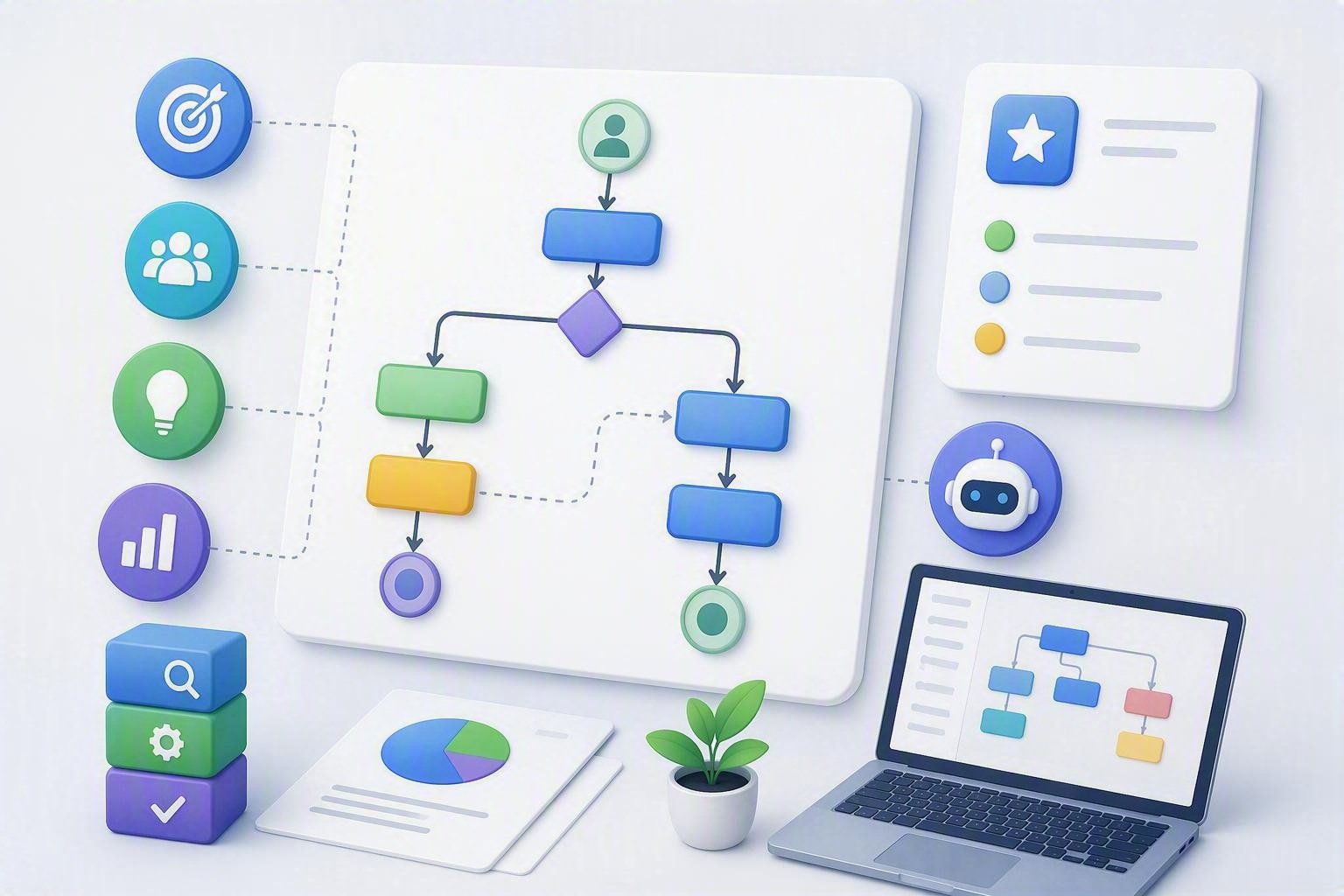
Step 4: Use-Case and Workflow Design
Turn business problems into practical AI opportunities.
We work with leaders and employees to identify repeatable work where Copilot or an AI agent may create measurable value. Potential workflows include: Each workflow identifies the required information, instructions, people, approvals and expected result. Your outcome: A focused portfolio of AI use cases connected to real business needs.
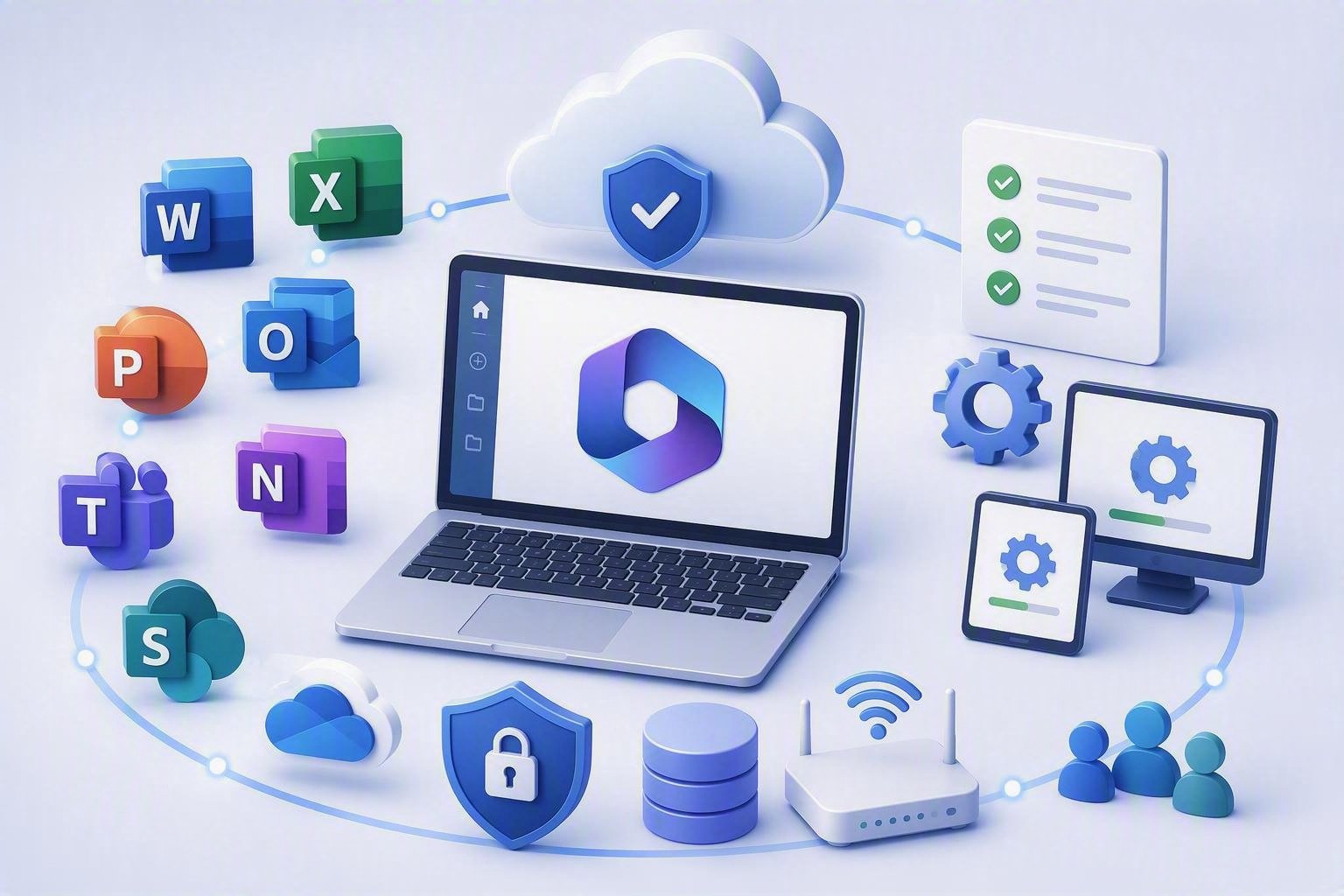
Step 5: Microsoft 365 and Technology Preparation
Build the foundation Copilot needs.
Skillgine works with your business leaders and technology partners to review: Your outcome: A better-prepared environment for responsible Copilot use.
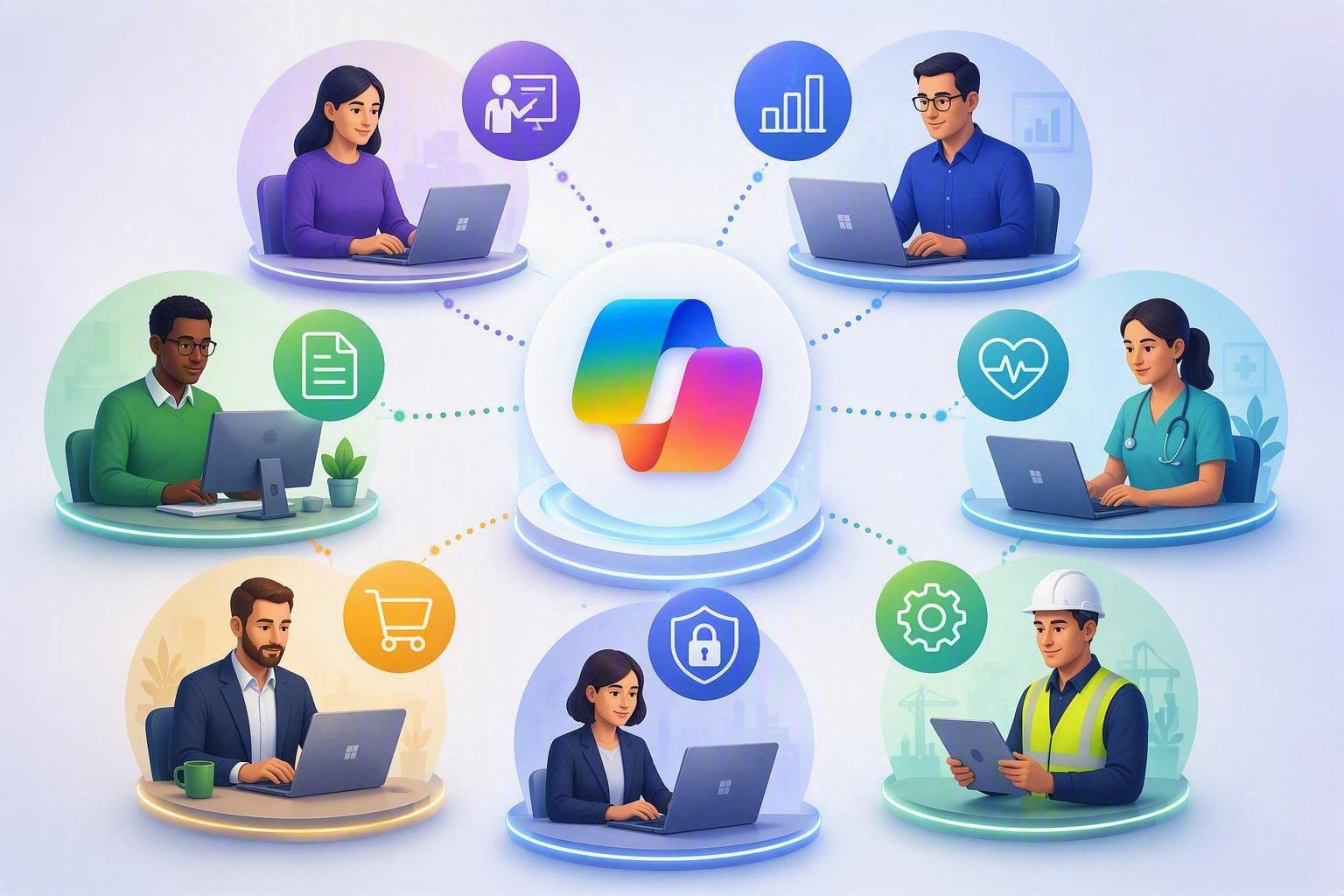
Step 6: Role-Based Copilot Training
Teach employees through work they already understand.
Generic AI training may create excitement without changing daily work. Skillgine training uses examples connected to each participant’s responsibilities. Training can be designed for: Employees learn how to use approved Copilot experiences, write better instructions, protect business information and review AI-generated output. Your outcome: More confident, responsible and consistent Copilot use.
Start Where You Are. Build What You Need.
Choose the level of support that fits your current AI journey.

Copilot and AI Readiness Assessment
Best for: Organizations deciding where to begin.
Outcome: A prioritized business, people, information and technology roadmap.

Data Security and Responsible AI Assessment
Best for: Organizations concerned about information access, employee AI use and business risk.
Outcome: Identified concerns, preparation priorities and recommended ethical-use guidelines.

Role-Based Microsoft Copilot Training
Best for: Employees who need practical skills and responsible-use guidance.
Outcome: More confident and consistent Copilot use.
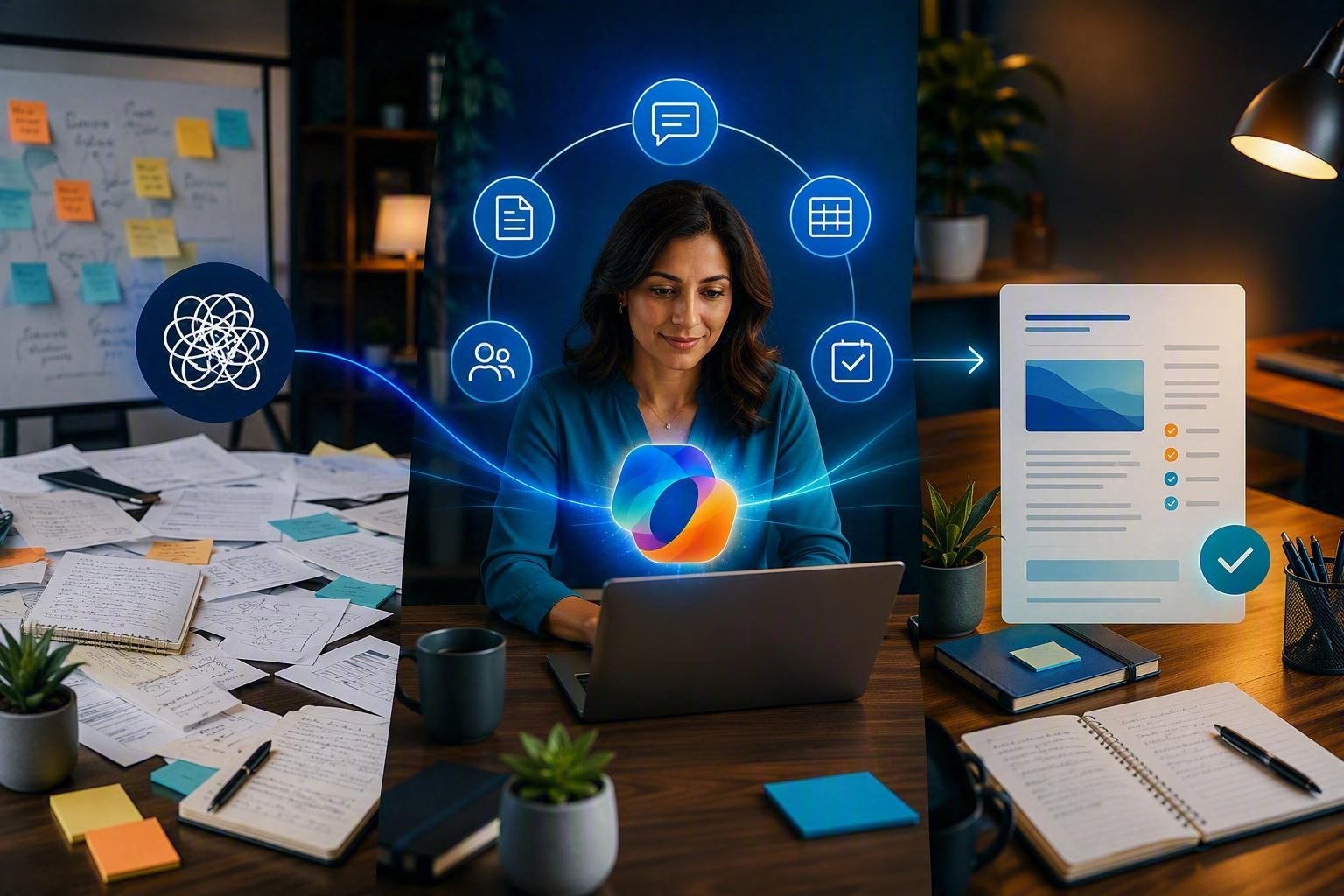
Microsoft Copilot Implementation Programme
Best for: Organizations ready to move from learning to business execution.
Outcome: Designed workflows, reusable resources, guided implementation and adoption measurement.
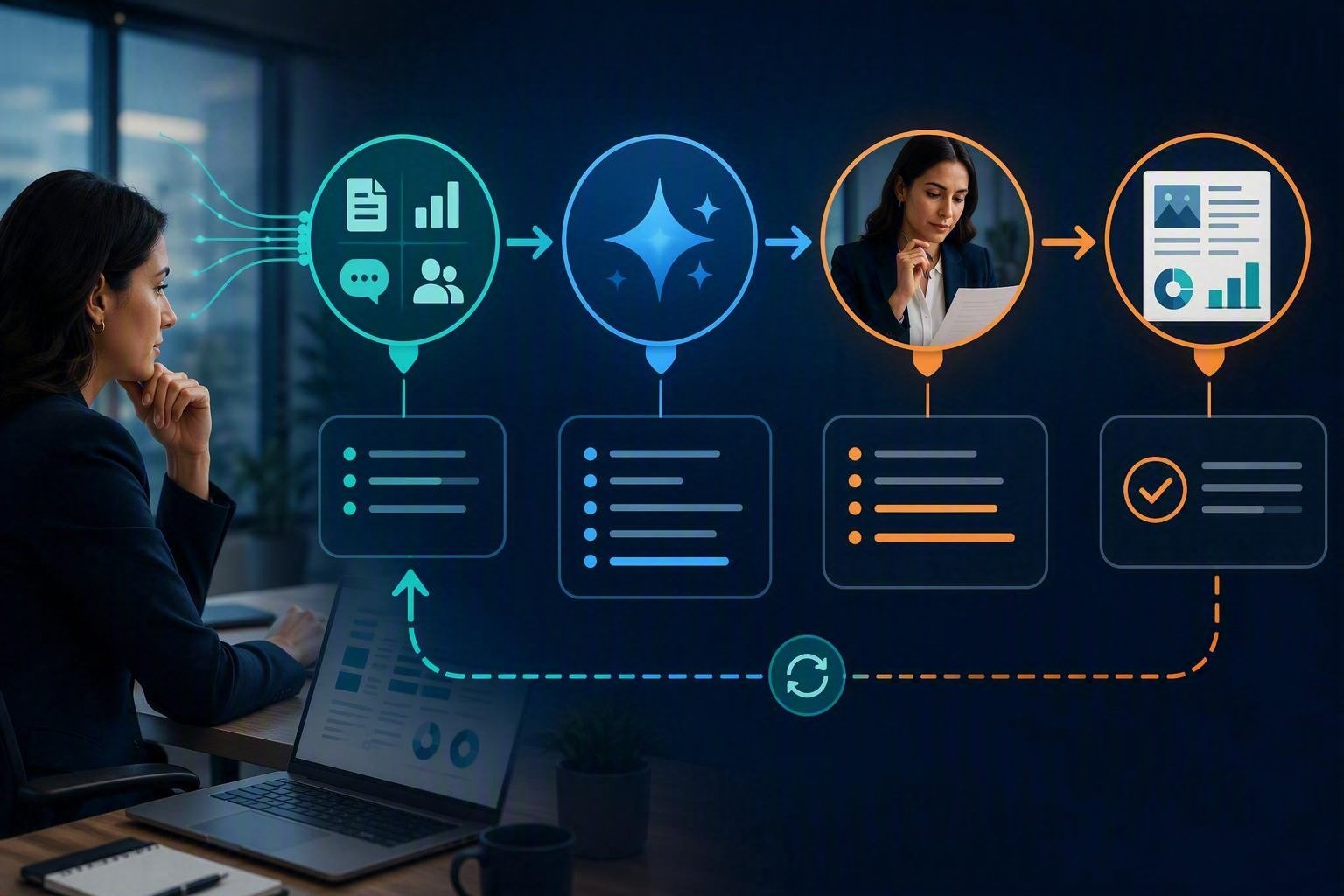
Advanced AI and Agent Services
Best for: Organizations requiring custom workflows, agents, integrations, private LLMs, MCP services or dashboards.
Outcome: A scoped solution based on business, security, technology and cost requirements.
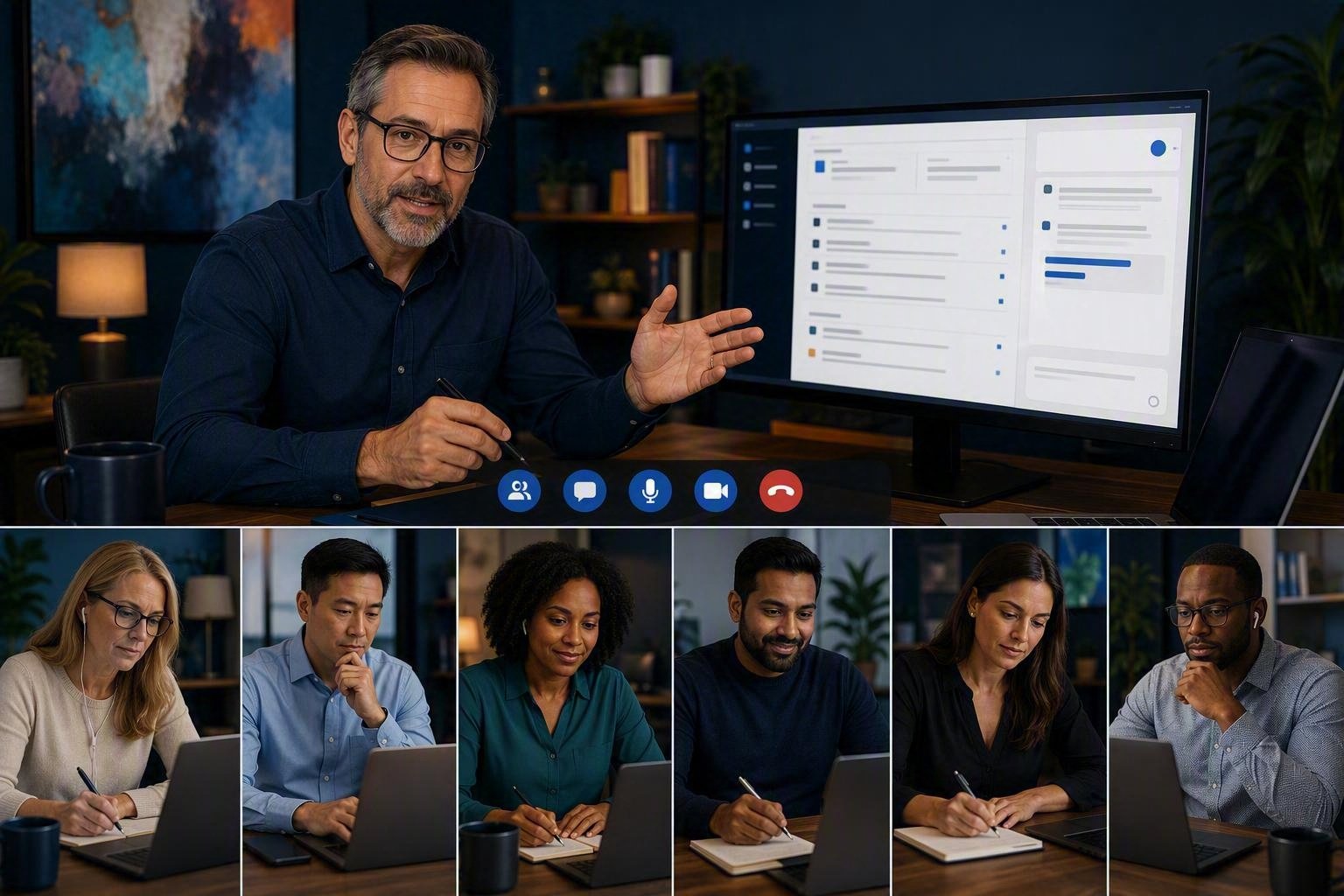
Copilot Mastermind
Best for: Teams requiring continuous learning and improvement.
Outcome: Updated knowledge, practical Business Blueprints and continued adoption support.
Measure Better Work, Not More Prompts.
Successful Copilot implementation should create visible business improvement.
Depending on the selected workflows, Skillgine can help your organization pursue improvements in:
Work Speed
Reduce time spent searching, drafting, summarizing, formatting and transferring information.
Work Quality
Create clearer documents, consistent communication and more complete business output.
Employee Capacity
Reduce repetitive work so employees can focus on customers, decisions and higher-value responsibilities.
Responsible AI Use
Help employees understand information protection, fact-checking, human review and escalation requirements.
Leadership Visibility
Give decision-makers clearer information about adoption, support needs, AI usage and cost.
Microsoft 365 Value
Help employees get more value from the Microsoft applications and information environment they already use.
Ready to Go Beyond Everyday Copilot?
Advanced AI Implementation Services
Build custom workflows, agents and system connections around how your business operates.
Some organizations need more than standard Copilot training and configuration. Skillgine can help assess and implement advanced AI solutions within an agreed project scope.
Custom Copilot Workflow & Skills Development
Create custom AI workflows, and specialized agent skills tailored to your business processes and goals.
Solutions may automate repetitive tasks, connect business systems, guide employees through workflows, retrieve information, generate content, support decision-making, and assist customers across multiple channels
Business value: Greater productivity, reduced manual work, and more scalable business operations.
Custom AI Agent Development
Build an agent for a defined role, department or business process.
Each project defines the agent’s purpose, approved information, available tools, human approval points, output standards and cost controls.
Business value: Faster support for information-heavy and repeatable work.
Private LLM Solutions
Assess or develop a controlled AI environment for specialized organizational knowledge.
A private LLM project may consider hosting, model selection, information access, integrations, testing, governance, cost and maintenance.
A private LLM is not automatically secure. Security depends on the architecture, hosting, access controls and governance selected for the project.
Business value: Greater control over specialized AI use cases.
MCP Server Setup
Create controlled connections between AI agents and approved applications, databases, APIs or business tools.
An MCP server can act as a bridge between an AI agent and the system it needs to use.
Business value: Agents can work with approved business tools instead of operating in isolation.
CRM and ERP Integration
Connect approved AI solutions with the business systems your employees already use.
Potential uses include account summaries, sales preparation, customer follow-up, operational reporting and controlled information updates.
Business value: Less copying, pasting and switching between systems.
Copilot Cowork Setup and Adoption
Identify suitable business use cases, prepare employees, define human review points and evaluate usage and costs.
Business value: A structured approach to complex, multi-step AI-supported work.
Microsoft Scout Readiness and Setup
Assess potential business use cases, information access, MCP opportunities, employee readiness and pilot requirements.
Availability, eligibility, capabilities and pricing should be verified before a client implementation begins.
Business value: A controlled approach to evaluating proactive AI-agent capabilities.

Copilot Will Keep Changing. Your Team Must Keep Learning.
Protect your AI investment through continued learning, measurement and improvement.
Implementation is not the end of the journey.
Skillgine’s ongoing adoption services may include:
- Copilot adoption check-ins
- Workflow improvement reviews
- Updated prompts and templates
- New use-case development
- Responsible AI refresher training
- Ethical-use guideline updates
- Department coaching
- Copilot usage reviews
- Agent cost reviews
- Copilot Mastermind participation
- Advanced implementation support
Your outcome: Copilot remains connected to changing business priorities after the initial rollout.

Local Business Understanding. North American Reach.
Flexible virtual delivery and implementation support for organizations on both sides of the border.
Skillgine supports small and mid-sized businesses, professional service firms, non-profit organizations, associations, consultants and technology partners across Canada and the United States.
Microsoft Copilot Services in Canada
Skillgine helps Canadian organizations evaluate Copilot opportunities, strengthen employee skills, establish responsible-use practices and build practical AI-supported workflows.
Canadian services may include:
- Microsoft Copilot implementation consulting
- Copilot and AI readiness assessments
- Data security and information assessments
- Responsible AI-use guidelines
- Role-based employee training
- Custom AI workflows and agents
- CRM and ERP integration
- Ongoing adoption support
The Government of Canada provides resources on AI policy, cybersecurity guidance and responsible AI use. Canadian responsible-AI references should be treated as guidance and reviewed alongside the legal and regulatory requirements applying to each organization.
Microsoft Copilot Services in the United States
Skillgine helps American businesses move from experimentation to structured Copilot adoption through business assessment, training, workflow development, AI-agent services and ongoing improvement.
United States services may include:
- Microsoft 365 Copilot implementation
- Executive and employee Copilot training
- AI workflow development
- Custom agent development
- Business-system integration
- Copilot adoption measurement
- AI-agent cost analysis
- Ongoing feature and workflow support
For both countries, final security, privacy, employment and regulatory decisions remain the responsibility of the client and its qualified professional advisors.
If You Cannot Measure It, You Cannot Improve It.
Give leadership a clearer view of Copilot adoption, AI-agent costs and business value.
Copilot Usage Dashboard
- Adoption across teams
- Active and inactive user groups
- Training participation
- Department-level usage patterns
- Workflow adoption
- Support requirements
- Opportunities for expansion
AI Agent Cost Analysis
Skillgine can help your organization:
- Define expected agent use cases
- Review available pricing information
- Document cost assumptions
- Estimate expected consumption
- Identify budget controls
- Compare expected cost with business value
- Review actual usage after deployment
Business-Value Measurement
Depending on the selected workflow, measurement may examine:
- Time required to complete the process
- Number of manual steps
- Work quality and consistency
- Rework requirements
- Employee confidence
- Adoption patterns
- Agent usage and cost
Your Business Does Not Need More AI Hype.
It needs a secure, responsible and practical Microsoft Copilot implementation plan.
Skillgine helps you determine where AI can create business value, what information it should access, how employees should use it and how results will be measured.
Whether your organization is located in Canada or the United States, you can start with a focused review of your:
- Business goals
- High-value workflows
- Microsoft 365 environment
- Data security concerns
- Employee readiness
- Responsible AI requirements
- Agent opportunities
- Integration needs
- Expected usage and cost

Frequently Asked Questions
What is Microsoft Copilot implementation?
Microsoft Copilot implementation prepares an organization to use Copilot in real business work. It may include readiness assessment, data security review, responsible AI guidelines, training, workflow development, system integration, adoption measurement and ongoing support.
Does Skillgine provide Microsoft Copilot implementation in Canada?
Yes. Skillgine offers Microsoft Copilot readiness, training, workflow, adoption and implementation services for businesses and organizations across Canada.
Does Skillgine serve businesses in the United States?
Yes. Skillgine supports businesses, professional firms, consultants and strategic partners throughout the United States through virtual training, advisory and implementation services.
Is Copilot training the same as implementation?
No. Training teaches employees how to use Copilot. Implementation connects Copilot to workflows, approved information, employee responsibilities and business goals.
What is included in a data security assessment?
The assessment may review information structure, permissions, sensitive data, approved information sources, agent access and business-system connections. It does not replace a formal cybersecurity, legal, privacy or compliance assessment.
Why does our organization need AI ethical-use guidelines?
These guidelines help employees understand approved AI use, information protection, human review, accuracy, bias, transparency and accountability.
Can Skillgine develop custom AI agents?
Skillgine offers custom AI-agent assessment, design and development within an agreed project scope. Each project begins by defining the agent’s purpose, approved information, tools, human approval points and expected business value.
Can Copilot connect with our CRM or ERP?
Suitable AI solutions may connect with approved CRM and ERP systems through available integrations, APIs, connectors or MCP services. The selected approach depends on the system and technical environment.
Does every organization need a private LLM?
No. Many business requirements may be addressed using existing Copilot and approved agent services. A private LLM should be considered only when the business need justifies the added development, infrastructure, governance and maintenance.
Can Skillgine estimate AI-agent costs?
Skillgine can review available pricing, document assumptions, estimate expected consumption and compare potential costs with business value. Actual costs depend on usage and applicable service pricing.
How should our organization begin?
Begin with a Copilot and AI Readiness Assessment. If information protection or employee AI use is a major concern, include a Data Security and Responsible AI Assessment in the initial scope.

Skillgine provides Microsoft Copilot training and implementation services to businesses across Canada and the United States. We help organizations assess AI readiness, train employees, design practical workflows, develop Copilot agents, connect business applications and support long-term Copilot adoption.
COPILOT TRAINING
Copilot Training for Businesses
Copilot Training for Solopreneurs
Copilot Training for Office Professionals
Copilot Training for Non-Profits
Startup Bootcamps
Role-Based Copilot Training (Coming Soon)
Train-the-Trainer Programme (Coming Soon)
READINESS & ADOPTION
Who We Help
Small and Mid-Sized Businesses
Office Professionals
Consultants and Trainers
Non-Profit Organizations
Associations and Member Groups
Colleges and Training Providers
Startups
Sales and Customer Service Teams (Coming Soon)
Executives and Managers ( Coming Soon)
HR Managers ( Coming Soon)
Programmes & Resources
COMMUNITY
Microsoft Copilot Blog
Skillgine Copilot User Group
Copilot Adoption Academy
Skillgine Newsletter
Frequently Asked Questions (F.A.Q)
What Does Skillgine Do?
Skillgine helps organizations implement and adopt Microsoft Copilot. Services include Copilot readiness assessments, practical employee training, workflow design, Copilot implementation, custom Copilot agents, Copilot Studio solutions, MCP setup, Zoho CRM integration and ongoing adoption support.
Does Skillgine Provide Microsoft Copilot Training?
Yes. Skillgine provides practical Microsoft Copilot training for businesses, managers, office professionals, consultants, non-profits and other organizations. Training focuses on using Copilot in daily work across Microsoft 365.
Does Skillgine Integrate Copilot with Business Applications?
Yes. Skillgine provides Copilot integration services for supported business applications, including Zoho CRM. Services can include readiness review, workflow design, agent configuration, permission planning, employee training and adoption support.
What Is Skillgine’s MCP Setup Service?
Skillgine helps organizations plan and configure approved connections between AI agents and selected business systems using Model Context Protocol. The engagement can include business-workflow review, authentication requirements, access permissions, supported actions, approval requirements and user adoption.
Where Does Skillgine Provide Services?
Skillgine provides virtual Microsoft Copilot training, readiness, implementation and integration services to organizations across Canada and the United States.
Speak with a Copilot Specialist
- 1-844-904-8943
- Email Us
- Canada & USA
STAY CURRENT WITH COPILOT


By subscribing, you agree to receive Skillgine news, training updates and event information. You may unsubscribe at any time.

Copyright © 2026 skillgine | Privacy | Terms | Sitemaps | Accessibility | Refund Policy | Partner Terms | AI Ethical Use Policy
Microsoft, Microsoft 365, Microsoft Copilot and related product names are trademarks of the Microsoft group of companies. Skillgine is an independent training, implementation and adoption services provider unless otherwise stated.