Microsoft Copilot Training for Private Colleges
Skillgine helps private colleges add practical Microsoft Copilot training for students, staff, alumni, and local employers. Unlike broad online course catalogues, Skillgine focuses on Microsoft 365 workplace AI skills, including Outlook, Teams, Word, Excel, PowerPoint, prompts, workflows, and employer-ready productivity. Colleges can partner with Skillgine through co-branded cohorts, Skillgine-led delivery, train-the-trainer models, continuing education programmes, or employer upskilling partnerships.
Microsoft Office Productivity Solutions
Private Colleges Cannot Wait to Add Microsoft Copilot Training
Skillgine is a focused Microsoft Copilot training partner built for practical workplace adoption.
AI is no longer a future workplace skill. It is becoming a hiring, productivity, and career-readiness requirement. Skillgine helps private colleges quickly add practical Microsoft Copilot training for students, staff, alumni, and local employers without building the curriculum from scratch.
- Microsoft 365 Copilot has reached over 30 million paid seats, according to Microsoft’s FY26 Q3 results.
- 75% of global knowledge workers were already using AI at work in 2024, according to Microsoft and LinkedIn’s Work Trend Index.
- 66% of leaders said they would not hire someone without AI skills, and 71% said they would rather hire a less experienced candidate with AI skills than a more experienced candidate without them, according to the Microsoft and LinkedIn research reported by the World Economic Forum.
- In Canada, job postings requiring AI skills more than doubled from 1.6% in 2024 to 3.5% in 2025, according to PwC Canada’s 2026 AI Jobs Barometer.
Why Private Colleges Need Microsoft Copilot Training Now
Private colleges are under pressure to prove that their programmes lead to real workplace readiness. Employers are no longer asking only for computer skills. They want graduates who can use AI responsibly, communicate clearly, save time, and complete practical business tasks using the tools already used in the workplace.
Microsoft Copilot is becoming one of the most practical AI tools for business because it works inside Microsoft 365 apps such as Outlook, Teams, Word, Excel, and PowerPoint. Your students may already know how to use Word or Excel, but employers increasingly want people who can use AI inside those tools to draft emails, summarise meetings, prepare reports, analyse information, and improve daily productivity.
This creates a clear opportunity for private colleges. Colleges that add Microsoft Copilot training now can position themselves as career-ready, employer-connected, and future-focused.
What Is Skillgine’s College Partnership Programme?
A Ready-to-Offer Microsoft Copilot Training Solution for Private Colleges
Skillgine gives private colleges a practical way to launch Microsoft Copilot training without building the full curriculum, workbook, prompt library, trainer guide, and employer-facing offer from the beginning.
Through a Skillgine partnership, your college can offer Copilot training to:
- Current students
- Graduates and alumni
- College staff
- Local employers
- Career transition learners
- Newcomer professionals
- Business owners
- Office professionals
- Corporate training clients
- Continuing education learners
Skillgine supports your college with curriculum, training resources, delivery options, prompt libraries, practical exercises, and employer-focused positioning.
The AI Skills Gap Is a College Opportunity
Many employers already use Microsoft 365 every day. Many are now exploring or purchasing Microsoft Copilot. But buying Copilot does not mean employees, students, or graduates know how to use it well.
That is the gap Skillgine helps colleges fill.
According to Microsoft’s 2026 Work Trend Index, the biggest constraint for many organizations is not simply whether people can use AI. It is whether the organization is structured to capture the value of AI. The report also says organizational factors such as culture, manager support, and talent practices account for twice the reported AI impact of individual effort alone.
This means private colleges can play a bigger role than offering a short AI awareness course. They can help learners build workplace-ready AI habits, safe usage practices, prompt skills, and Microsoft 365 workflows that connect directly to employer needs.
Benefits for Students and Learners
Learners Build Practical AI Skills They Can Use at Work
Skillgine helps learners move beyond basic computer literacy into AI-enabled workplace productivity. After completing a Skillgine Copilot programme, learners can explain how they use Microsoft Copilot to support real business tasks, not just say they “know AI.”
Learners practise how to:
- Draft professional emails in Outlook
- Summarise meetings and create action items in Teams
- Prepare reports, policies, and proposals in Word
- Review and organise information in Excel
- Create presentation outlines in PowerPoint
- Build reusable prompts for daily work
- Communicate more clearly with clients, customers, and teams
- Use AI responsibly inside Microsoft 365
This gives students and alumni a stronger career story. They can show employers that they are prepared for the modern workplace, where AI skills are quickly becoming part of everyday productivity.
Benefits for Employers
Many employers already pay for Microsoft 365. Some are now adding Microsoft Copilot. But a licence alone does not create productivity, adoption, or return on investment.
Microsoft reported that Microsoft 365 Copilot reached over 30 million paid seats in FY26 Q3, showing strong business adoption. Skillgine helps employers build practical Copilot habits across:
- Email productivity
- Meeting summaries and follow-up
- Report and document creation
- Spreadsheet review
- Proposal and presentation preparation
- Customer communication
- Team updates
- Safe and structured AI use
For local employers, this means better use of the Microsoft tools they already have. For colleges, it creates a strong employer-engagement offer.
Who This Programme Is For
Designed for Students, Staff, Alumni, and Employers
Skillgine’s Microsoft Copilot training is ideal for private colleges and career colleges that serve learners in:
- Business administration
- Office administration
- Executive assistant programmes
- Entrepreneurship
- Sales and marketing
- Customer service
- Human resources
- Project coordination
- Accounting and finance support
- Operations support
- Newcomer professional programmes
- Career transition programmes
- Continuing education
- Corporate and employer training
If your learners use Microsoft 365, they need practical Copilot skills.
A Focused Alternative to Broad Online Course Catalogues
Broad Course Catalogues Offer Access. Skillgine Delivers Copilot Adoption.
Many private colleges already use broad online course providers to expand their continuing education catalogue. Those providers can be useful when colleges want to offer a wide range of online courses across many subjects.
Skillgine fills a different gap.
We help private colleges offer a focused Microsoft Copilot training programme that connects directly to today’s workplace needs.
Your college does not need to replace your existing online course catalogue.
You can add Skillgine as your dedicated Microsoft Copilot and workplace AI training partner.
Broad Online Course Providers
Large catalogue across many topics
General online learning
Many unrelated topics
Often self-paced
Course completion focus
General tech courses
Learners watch content
Good for catalogue expansion
Skillgine Copilot Training
Focused Microsoft Copilot curriculum
Practical workplace AI training
Microsoft 365 productivity skills
Live, hybrid, cohort-based, or college-supported
Workplace usage and job-ready skills
Copilot for Outlook, Teams, Word, Excel, and PowerPoint
Learners practise real workplace tasks
Strong for employer demand and career readiness
Flexible Partnership Models
Partner with Skillgine in the Way That Fits Your College
College-Branded Cohorts
Your college promotes the programme to students, alumni, or employers. Skillgine supports curriculum, resources, and delivery.
Skillgine-Led Delivery
Skillgine delivers the training live or virtually in partnership with your college.
Train-the-Trainer Model
Skillgine enables selected college instructors to deliver approved Copilot training using Skillgine curriculum and resources.
Employer Upskilling Partnership
Your college and Skillgine jointly offer Copilot workshops and bootcamps to local businesses.
Continuing Education Add-On
Add Skillgine Copilot programmes to your existing continuing education or professional development catalogue.
Alumni Learning Programme
Offer Copilot training as an alumni upskilling opportunity for graduates who want to stay current with workplace AI tools.
Programme Options for Colleges
Choose the Copilot Programme That Fits Your College
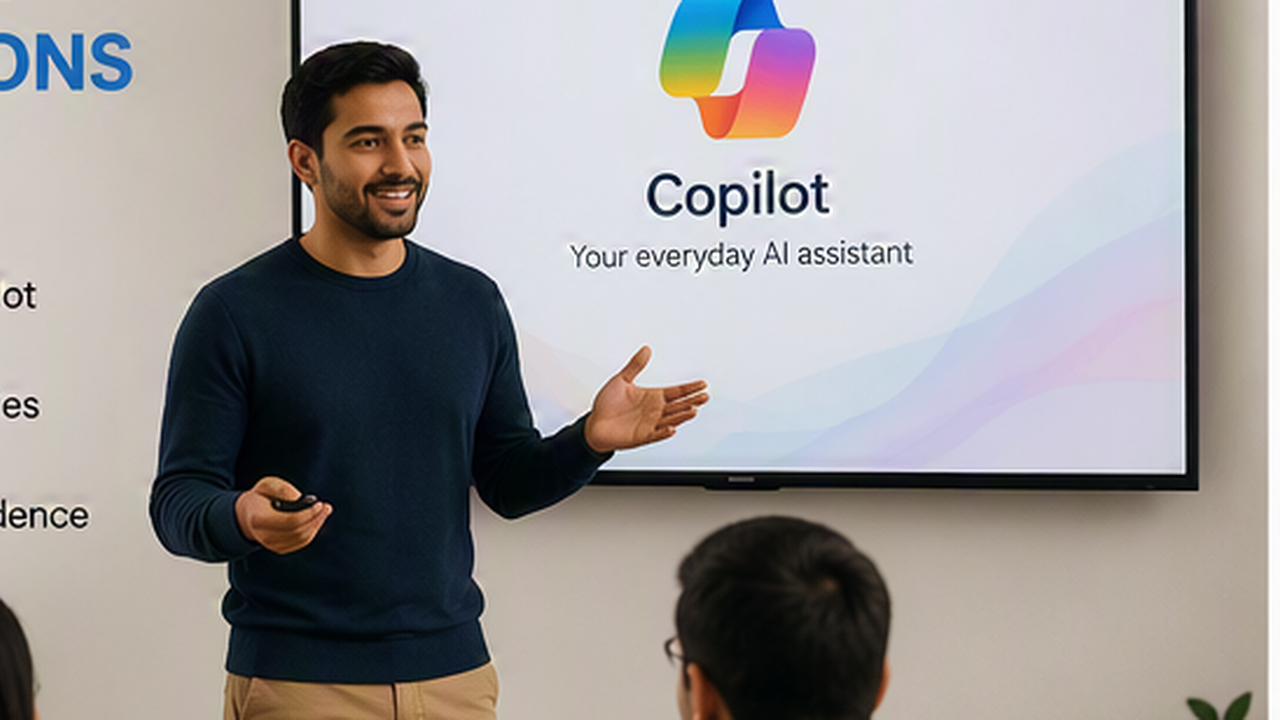
Copilot Foundations
A practical introduction to Microsoft Copilot across Outlook, Teams, Word, Excel, PowerPoint, and Microsoft 365.
Best for: students, staff, alumni, and working professionals who need a clear starting point with AI productivity.

Copilot for Employer Upskilling
Short workshops and bootcamps for local employers that already use Microsoft 365 but are not getting full productivity value from Copilot.
Best for: continuing education departments, corporate training teams, and employer engagement offices.
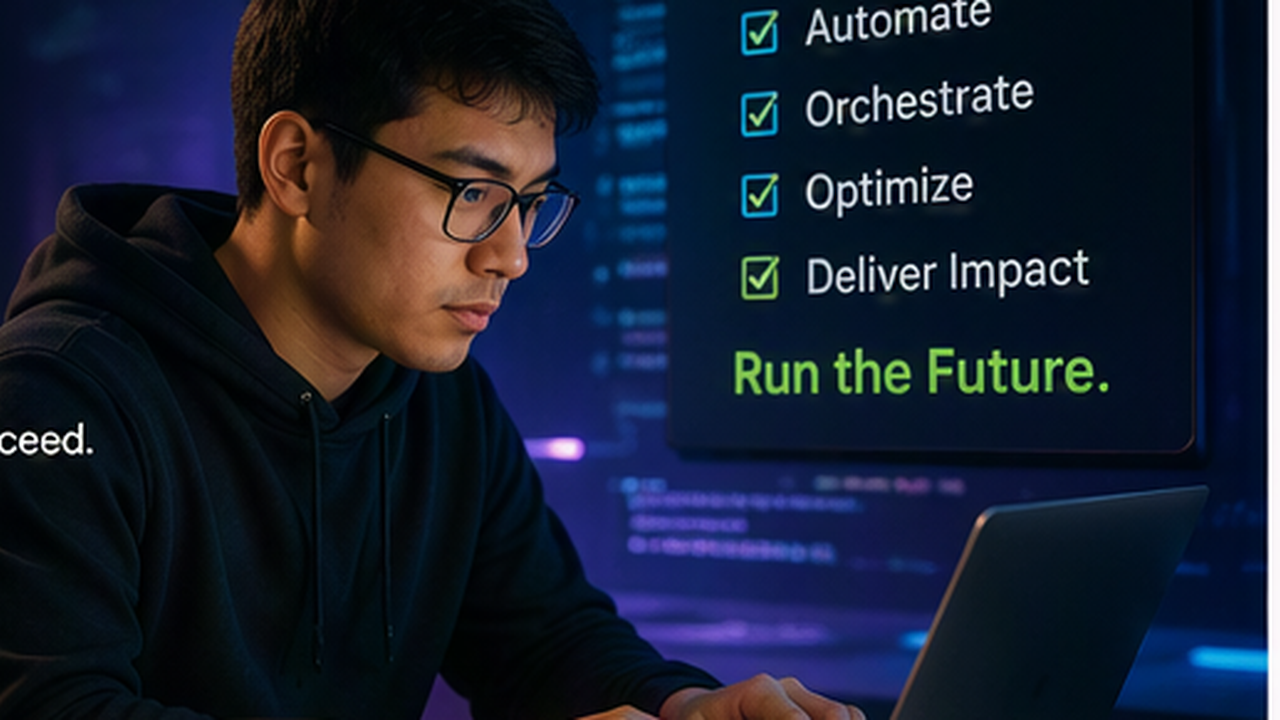
AI Operator Bootcamp
A career-focused programme for office administrators, executive assistants, coordinators, receptionists, and business support staff who want to become AI-enabled office professionals.
Best for: office administration, business administration, executive assistant, and career college programmes.
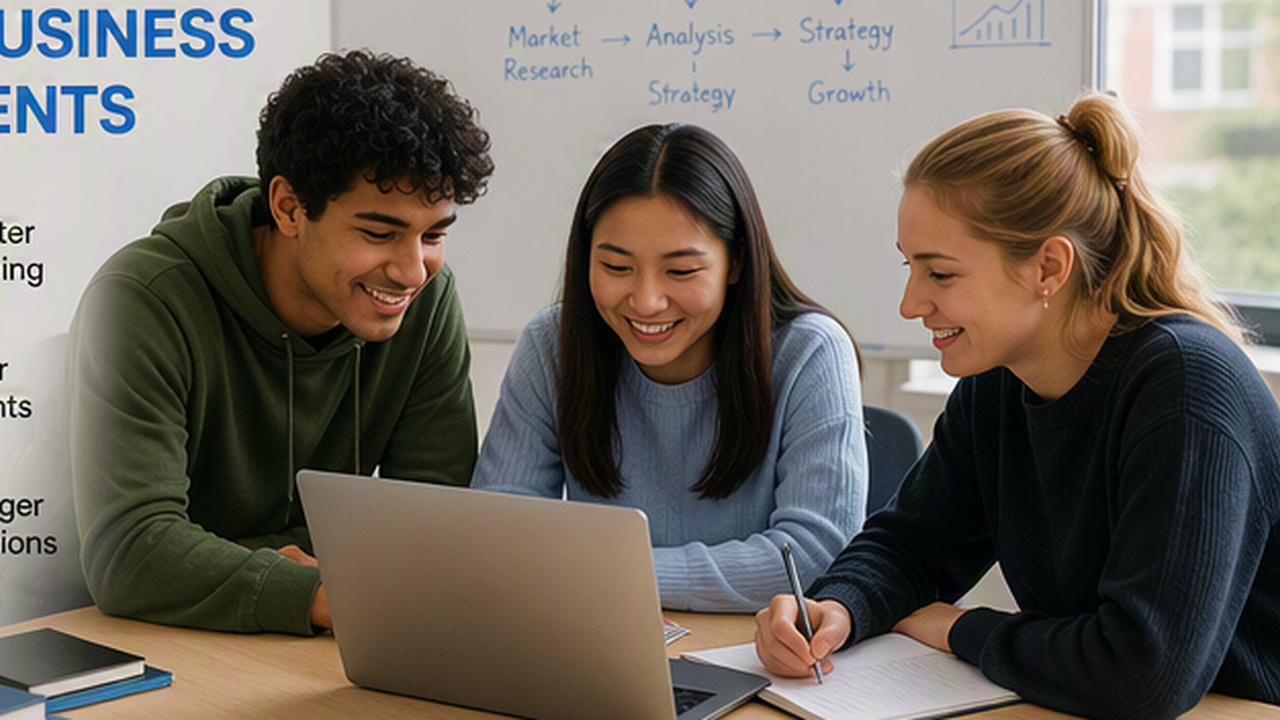
Copilot for Business Students
A practical Copilot course add-on for business, management, entrepreneurship, sales, marketing, operations, and customer service programmes.
Best for: helping students create business plans, reports, presentations, marketing content, customer messages, and workplace documents.

Copilot Train-the-Trainer
Skillgine can support selected college instructors with curriculum, delivery guides, prompt libraries, lesson plans, and training resources.
Best for: colleges that want to build internal delivery capacity while using a structured Copilot curriculum.
Monthly Copilot Update Sessions
Ongoing learning sessions for alumni, employers, staff, and students as Microsoft Copilot continues to evolve.
Best for: colleges that want to keep learners current and create recurring professional development value.
Benefits for Private Colleges
The First-Mover Advantage for Private Colleges
Programme differentiation
Add modern AI skills to business, administration, management, office professional, and continuing education programmes.
Employer relevance
Alumni value
Create a New Continuing Education Revenue Stream
Package Copilot training as short courses, bootcamps, certificate programmes, employer-sponsored cohorts, or alumni learning sessions.
Strengthen Your College Brand
Position your college as a practical AI skills leader in your local market.
Support Staff Development
Use Copilot training to help your own staff improve productivity in email, meetings, documents, reporting, and administration.
Perfect for Colleges That Already Use Broad Online Course Providers
If your college already uses a broad online course provider, Skillgine can complement your existing model.
Keep your general catalogue.
Add Skillgine for specialised Microsoft Copilot training.
This gives your college a stronger offer in one of the most important workplace skill areas today: AI productivity inside Microsoft 365.
Why Now
Colleges That Move Early Can Own the AI Skills Conversation
Students are asking about AI.
Employers are asking about productivity.
Staff are exploring new tools.
Local businesses need practical support.
Your college can become the trusted place where learners and employers build real Microsoft Copilot skills.
Skillgine gives you the curriculum, training support, delivery options, and workplace focus to make that possible.
Why Skillgine Is Different
Skillgine is not a broad course marketplace.
We are focused on Microsoft Copilot training, AI workforce adoption, and practical business productivity.
Our approach is built around:
- Real Microsoft 365 workflows
- Practical examples learners recognise
- Role-based training
- Prompt libraries and templates
- Live and hybrid delivery options
- College-friendly partnership models
- Employer upskilling opportunities
- Ongoing Copilot updates
- Clear learning outcomes
- Practical adoption, not just course completion
Skillgine helps colleges move from “offering AI content” to delivering practical AI capability.
Do Not Wait Until Every College Offers AI Training
AI skills are becoming part of employability, productivity, and workplace readiness. Private colleges that move now can give students, alumni, staff, and employer partners a practical advantage.
Skillgine makes it easier to launch a Microsoft Copilot training programme without building everything from scratch.
Frequently Asked Questions (F.A.Q)
What is Microsoft Copilot training for private colleges?
Microsoft Copilot training for private colleges helps students, staff, alumni, and employers learn how to use Microsoft Copilot inside Microsoft 365 tools such as Outlook, Teams, Word, Excel, and PowerPoint. Skillgine’s training focuses on practical workplace tasks, not just software theory.
Why should private colleges offer Microsoft Copilot training?
Private colleges should offer Microsoft Copilot training because AI skills are becoming important for office, business, administration, customer service, sales, marketing, and management roles. Copilot training helps learners build practical AI productivity skills that employers understand.
How is Skillgine different from broad online course providers?
Broad online course providers usually offer large catalogues across many topics. Skillgine focuses specifically on Microsoft Copilot, Microsoft 365 workflows, workplace AI adoption, prompt skills, and practical business productivity.
Can Skillgine work with colleges that already use ed2go or other online course providers?
Yes. Skillgine can complement existing online course catalogues by adding a specialised Microsoft Copilot training programme. Colleges can keep broad catalogue providers and add Skillgine for focused AI workplace skills.
Who can take Skillgine’s Copilot training through a college?
Skillgine’s Copilot training is suitable for students, staff, alumni, working professionals, office administrators, business students, entrepreneurs, newcomer professionals, career transition learners, and employer-sponsored learners.
What Microsoft 365 tools are included in Copilot training?
Skillgine’s Copilot training can include Outlook, Teams, Word, Excel, PowerPoint, and practical Microsoft 365 workflows. Training focuses on common workplace tasks such as emails, meetings, reports, spreadsheets, presentations, and communication.
Can Skillgine provide train-the-trainer support?
Yes. Skillgine can support selected college instructors with curriculum, prompt libraries, delivery guides, lesson resources, and structured training support so colleges can build internal delivery capacity.
Can colleges offer Copilot training to local employers?
Yes. Skillgine can help colleges offer Microsoft Copilot workshops, bootcamps, and employer upskilling programmes to local businesses that use Microsoft 365.
Is Skillgine’s Copilot training live, online, or self-paced?
Skillgine can support flexible delivery models, including live virtual training, hybrid delivery, cohort-based programmes, college-branded cohorts, and train-the-trainer options.
What is the main benefit of partnering with Skillgine?
The main benefit is that colleges can launch a practical Microsoft Copilot training programme without building the full curriculum from scratch. Skillgine provides focused Copilot training resources, practical workflows, and partnership options for students, staff, alumni, and employers.

Skillgine provides Microsoft Copilot training and implementation services to businesses across Canada and the United States. We help organizations assess AI readiness, train employees, design practical workflows, develop Copilot agents, connect business applications and support long-term Copilot adoption.
COPILOT TRAINING
Copilot Training for Businesses
Copilot Training for Solopreneurs
Copilot Training for Office Professionals
Copilot Training for Non-Profits
Startup Bootcamps
Role-Based Copilot Training (Coming Soon)
Train-the-Trainer Programme (Coming Soon)
READINESS & ADOPTION
Who We Help
Small and Mid-Sized Businesses
Office Professionals
Consultants and Trainers
Non-Profit Organizations
Associations and Member Groups
Colleges and Training Providers
Startups
Sales and Customer Service Teams (Coming Soon)
Executives and Managers ( Coming Soon)
HR Managers ( Coming Soon)
Programmes & Resources
COMMUNITY
Microsoft Copilot Blog
Skillgine Copilot User Group
Copilot Adoption Academy
Skillgine Newsletter
Frequently Asked Questions (F.A.Q)
What Does Skillgine Do?
Skillgine helps organizations implement and adopt Microsoft Copilot. Services include Copilot readiness assessments, practical employee training, workflow design, Copilot implementation, custom Copilot agents, Copilot Studio solutions, MCP setup, Zoho CRM integration and ongoing adoption support.
Does Skillgine Provide Microsoft Copilot Training?
Yes. Skillgine provides practical Microsoft Copilot training for businesses, managers, office professionals, consultants, non-profits and other organizations. Training focuses on using Copilot in daily work across Microsoft 365.
Does Skillgine Integrate Copilot with Business Applications?
Yes. Skillgine provides Copilot integration services for supported business applications, including Zoho CRM. Services can include readiness review, workflow design, agent configuration, permission planning, employee training and adoption support.
What Is Skillgine’s MCP Setup Service?
Skillgine helps organizations plan and configure approved connections between AI agents and selected business systems using Model Context Protocol. The engagement can include business-workflow review, authentication requirements, access permissions, supported actions, approval requirements and user adoption.
Where Does Skillgine Provide Services?
Skillgine provides virtual Microsoft Copilot training, readiness, implementation and integration services to organizations across Canada and the United States.
Speak with a Copilot Specialist
- 1-844-904-8943
- Email Us
- Canada & USA
STAY CURRENT WITH COPILOT


By subscribing, you agree to receive Skillgine news, training updates and event information. You may unsubscribe at any time.

Copyright © 2026 skillgine | Privacy | Terms | Sitemaps | Accessibility | Refund Policy | Partner Terms | AI Ethical Use Policy
Microsoft, Microsoft 365, Microsoft Copilot and related product names are trademarks of the Microsoft group of companies. Skillgine is an independent training, implementation and adoption services provider unless otherwise stated.