Live Microsoft Copilot workshop
Microsoft Office Productivity Solutions
Stop Watching Copilot Demos. Start Getting Real Work Done.
Bring one repetitive business task. Leave knowing how to turn it into a smarter Copilot workflow..
You have probably seen what Microsoft Copilot can do.
It can write, summarize, organize and analyse. But watching another demonstration will not save you time tomorrow morning.
You need to know how to apply Copilot to the work sitting in front of you right now.
That is what you will experience in the Skillgine Live Copilot Workshop.
This is a focused, instructor-led session built around one practical business workflow. You will see the problem, follow the process and learn how to improve the result with Copilot.
Copilot Can Save Time. But Only If You Know What to Ask It to Do.
Imagine starting your day with:
- A crowded inbox
- A meeting that needs follow-up
- A proposal that is still unfinished
- Customer notes that need to become actions
- A report that must be prepared for management
- A blank document waiting for your ideas
You know Copilot is available, so you enter a quick prompt.
The response looks impressive at first. Then you notice that it is too general, misses important context or requires so much editing that you wonder whether it saved any time at all.
This is where many professionals get stuck.
The problem is rarely a lack of AI features. The problem is not knowing how to give Copilot the right information, build a useful workflow and review the result.
Skillgine helps you move from:
“What prompt should I try?”
to:
“Here is the workflow I use to complete this task.”
Why Choose Us?
One Workshop. One Business Problem. One Useful Result.
Instead of trying to learn everything about Copilot, focus on one workflow you can understand and apply.
Many AI events try to cover every feature in one session.
You hear about Word, Excel, Outlook, Teams, PowerPoint, agents and dozens of prompts. You leave impressed, but you are still unsure what to do next.
Skillgine takes a different approach.
Each Live Copilot Workshop focuses on one recognizable business problem.
We break down the task, show how Copilot fits into the process and explain where your judgement is still essential.
Depending on the workshop topic, you may learn how to:
- Turn meeting notes into decisions, actions and follow-up communication
- Summarize a long email conversation and identify what requires your attention
- Create a professional proposal from discovery notes
- Turn customer information into a personalized sales follow-up
- Prepare a clear weekly management update
- Transform workplace knowledge into a training guide
- Organize business information into a useful report
- Create a practical 90-day action plan
- Turn customer feedback into an improvement plan
- Build a month of useful marketing content from one business idea
You will not leave knowing everything about Copilot.
You will leave understanding how to use it for one meaningful business result.
Why Skillgine Does Not Just Hand You a List of Prompts
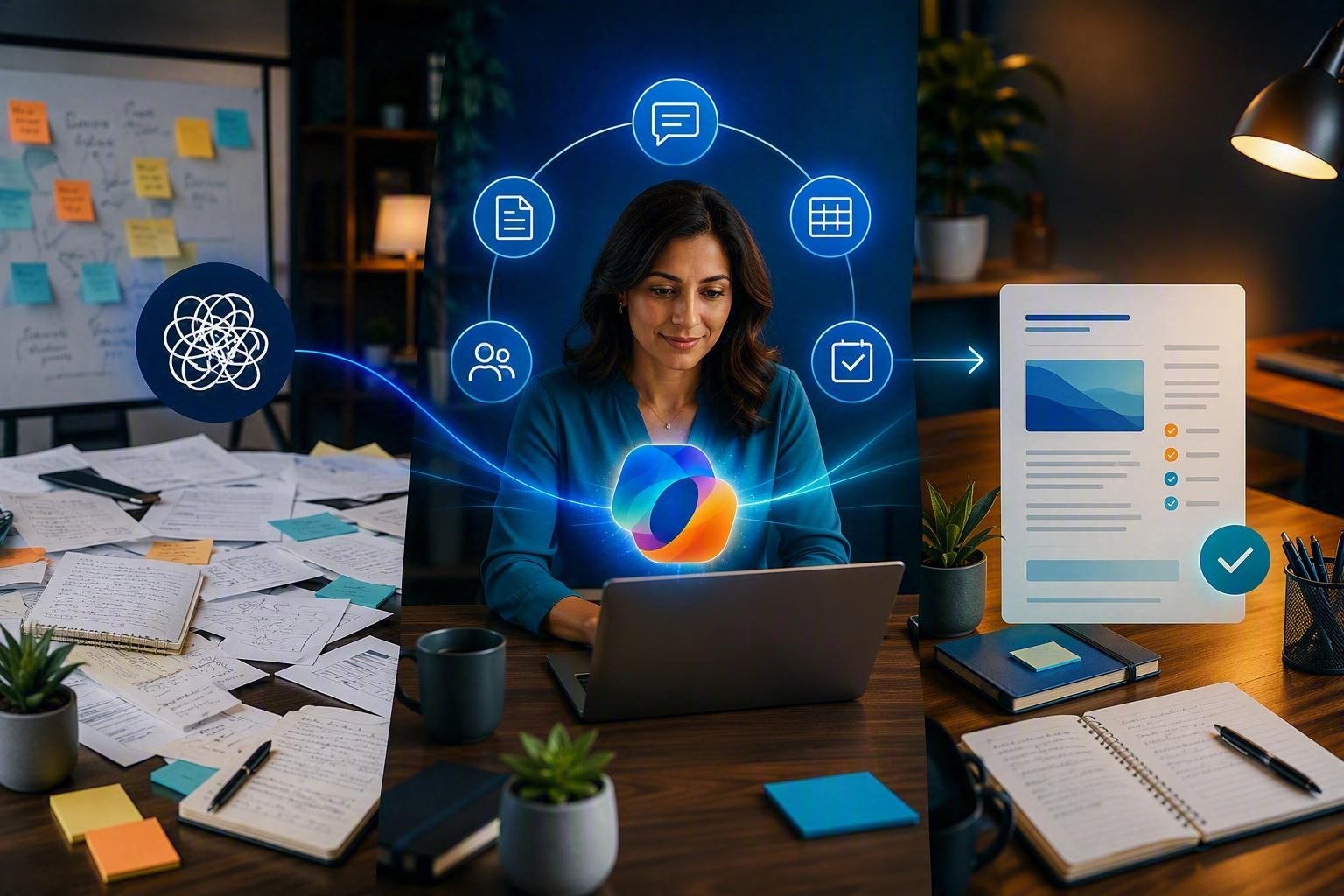
A prompt may help once. A well-designed workflow can help every time the task returns.

A list of prompts can be useful.
But a prompt without business context may produce an answer that looks good while missing what you actually need.
Skillgine focuses on the complete workflow:
- What business problem are you solving?
- What information should Copilot receive?
- What should the final result contain?
- How will you review the response?
- What requires human judgement?
- How could the process be repeated?
- What result should the workflow produce?
The goal is not to make you dependent on another collection of prompts.
The goal is to help you think more clearly about how Copilot fits into your work.
See How an Experienced Copilot User Approaches Real Work
Watch more than the final result. Learn how the workflow is planned, prompted, reviewed and improved.

Copilot does not always produce the perfect answer on the first attempt.
That is why our facilitator does not simply show you a polished final result.
You will see the thinking behind the workflow:
What information does Copilot need?
Learn how missing context can lead to weak or generic responses.
How should the task be structured?
See how a large request can be organized into clearer stages.
What does a useful prompt include?
Understand how to provide the objective, background, audience, format and expected outcome.
How should the first response be reviewed?
Learn what to check before accepting, sharing or acting on Copilot’s work.
How can the result be improved?
Watch the facilitator refine the response until it becomes more useful for the business situation.
You will see both the possibilities and the limitations.
That makes the session practical, honest and connected to real work.
This Workshop Is for People Who Need Work Done
You do not need to be an AI expert. You need a real task, an open mind and a desire to work more effectively.

The workshop is a good fit if you are a:
- Business owner trying to reduce repetitive work
- Manager looking for clearer information and faster follow-up
- Consultant creating documents, recommendations and client deliverables
- Sales professional responsible for leads and customer communication
- Office administrator managing emails, meetings and documents
- Project manager turning discussions into assigned actions
- Marketing professional creating campaigns and content
- Customer-service professional responding to questions and concerns
- Non-profit leader working with limited time and resources
- Trainer or educator developing learning materials
- Association leader creating value for members
- Microsoft 365 user who wants practical Copilot guidance
You do not need advanced technical knowledge.
The instruction is clear, business-focused and designed for professionals who want to understand what to do, why it matters and how to apply it.
Choose a Workshop That Solves a Problem You Already Have
Register based on the result you want, not simply the Microsoft application being demonstrated.
Every workshop will have a specific topic and business outcome.
Email and Inbox Productivity
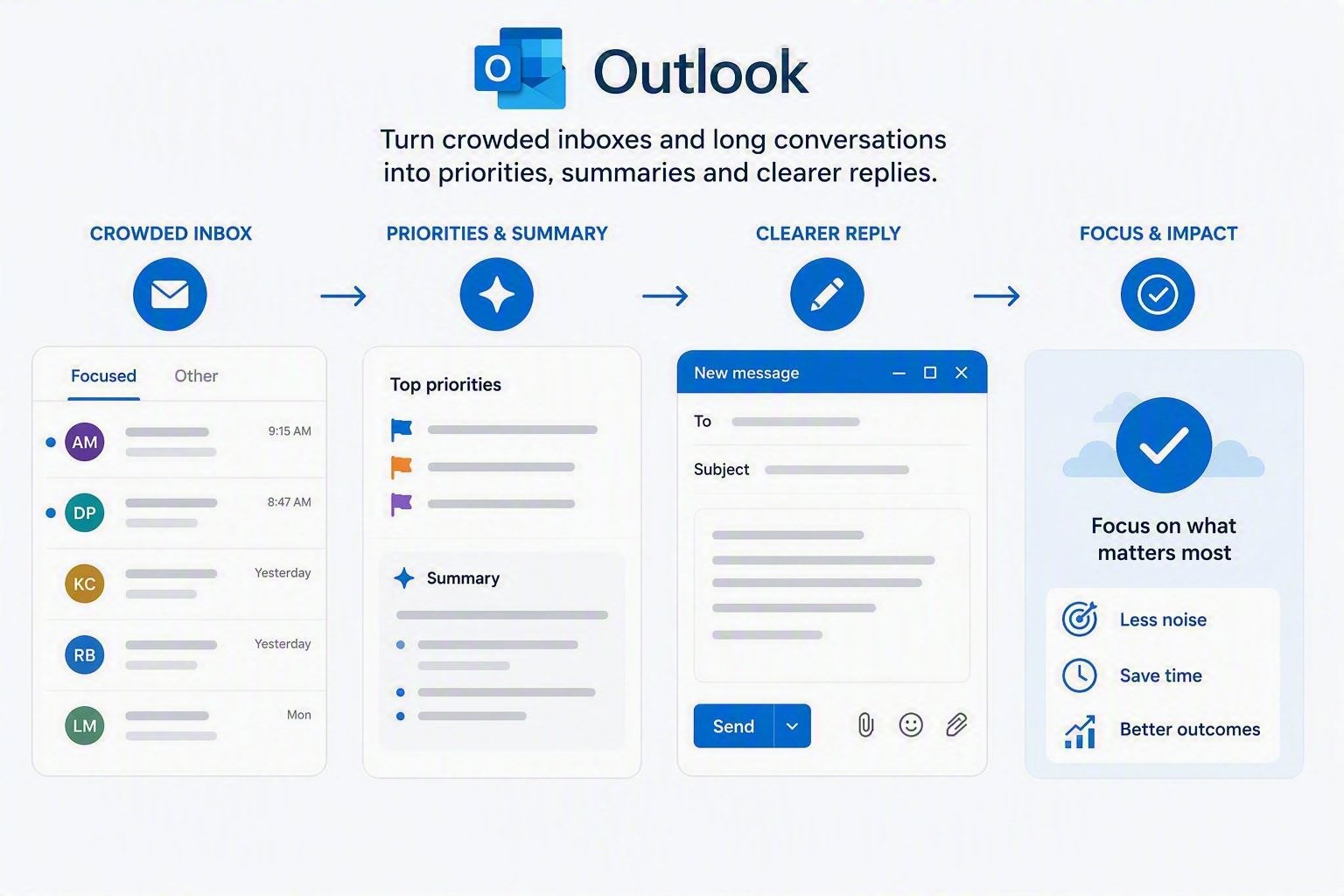
Take Control of Your Inbox with Microsoft Copilot
Turn crowded inboxes and long conversations into priorities, summaries and clearer replies.
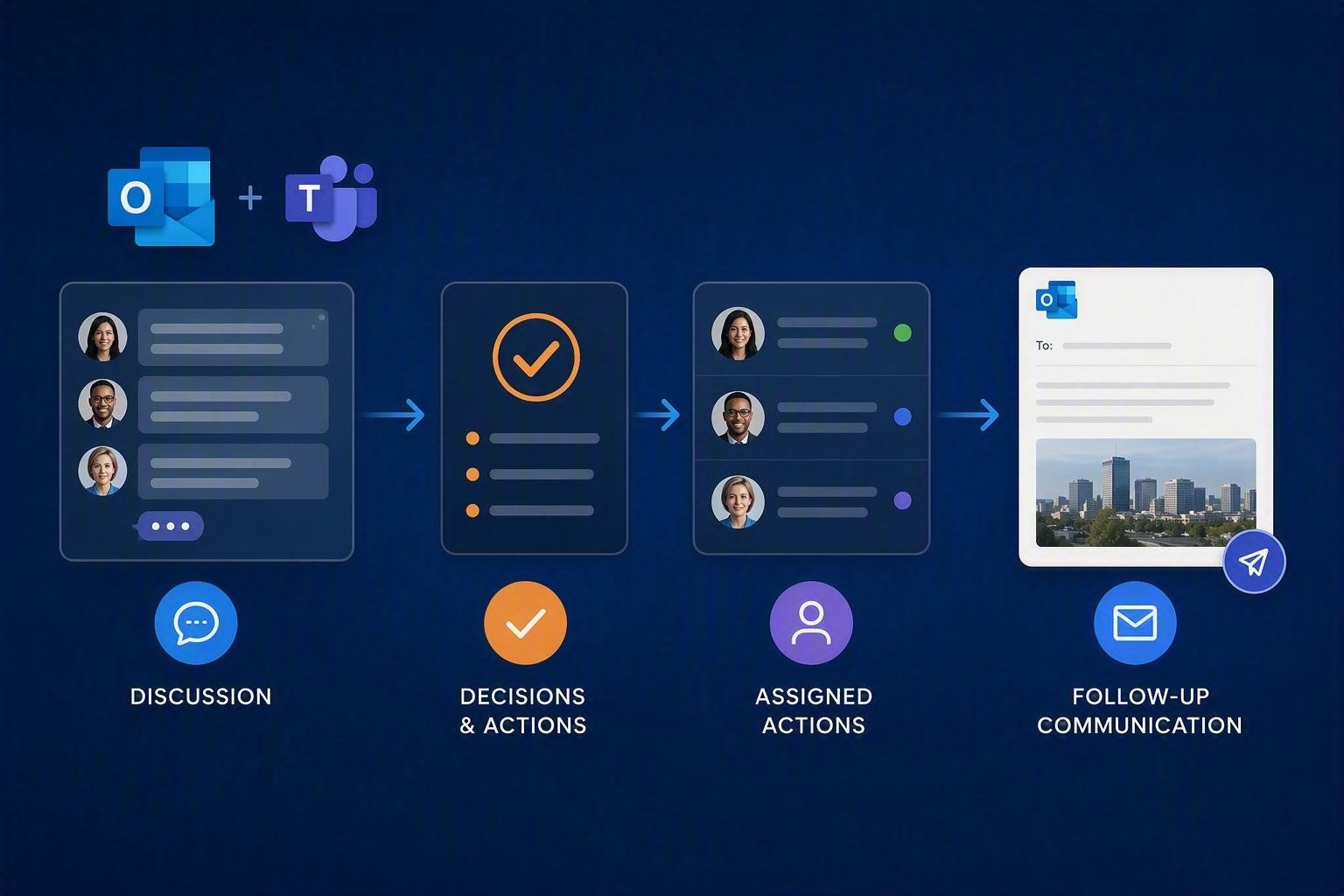
Meetings and Follow-Up
Turn Meeting Notes into Action with Microsoft Copilot
Turn discussion into decisions, assigned actions and professional follow-up communication.
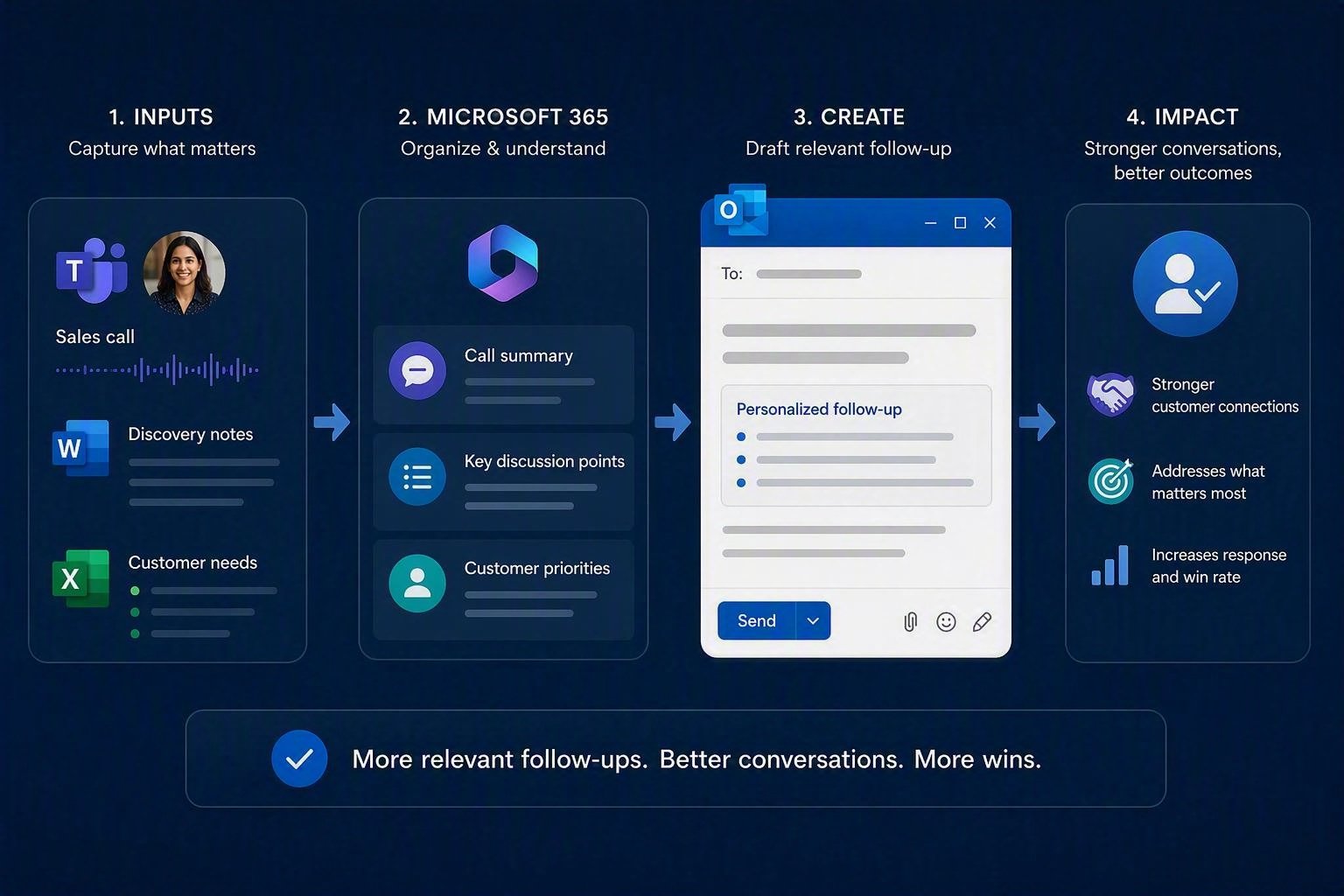
Sales and Customer Follow-Up
Build a Better Sales Follow-Up Workflow with Copilot
Create more relevant follow-up messages from sales calls, discovery notes and customer needs.
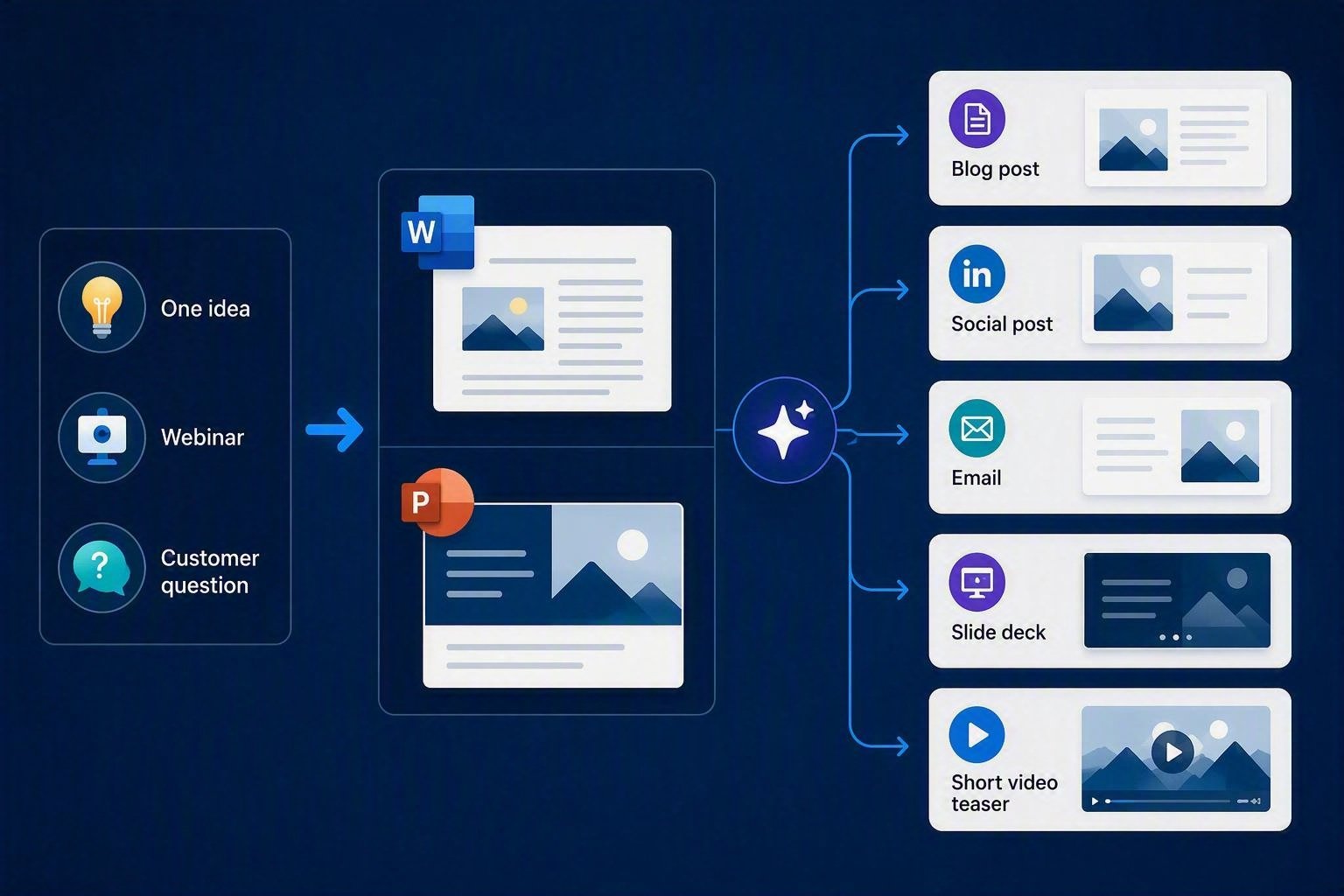
Marketing and Content
Create One Month of Business Content with Copilot
Transform one idea, webinar or customer question into several useful marketing assets.
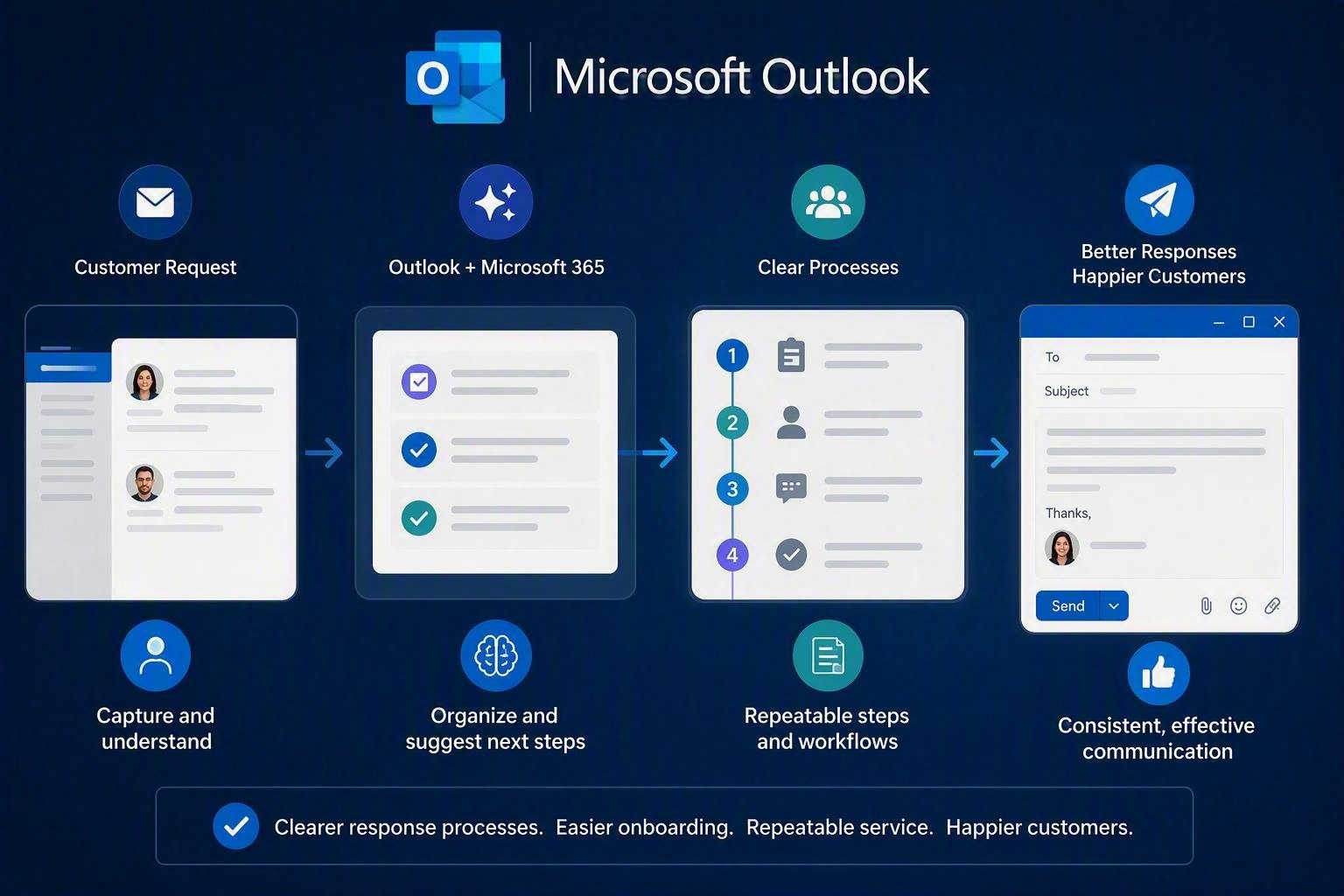
Customer Service and Operations
Build a Customer Onboarding Workflow with Copilot
Create clearer response processes, onboarding steps and repeatable service workflows.
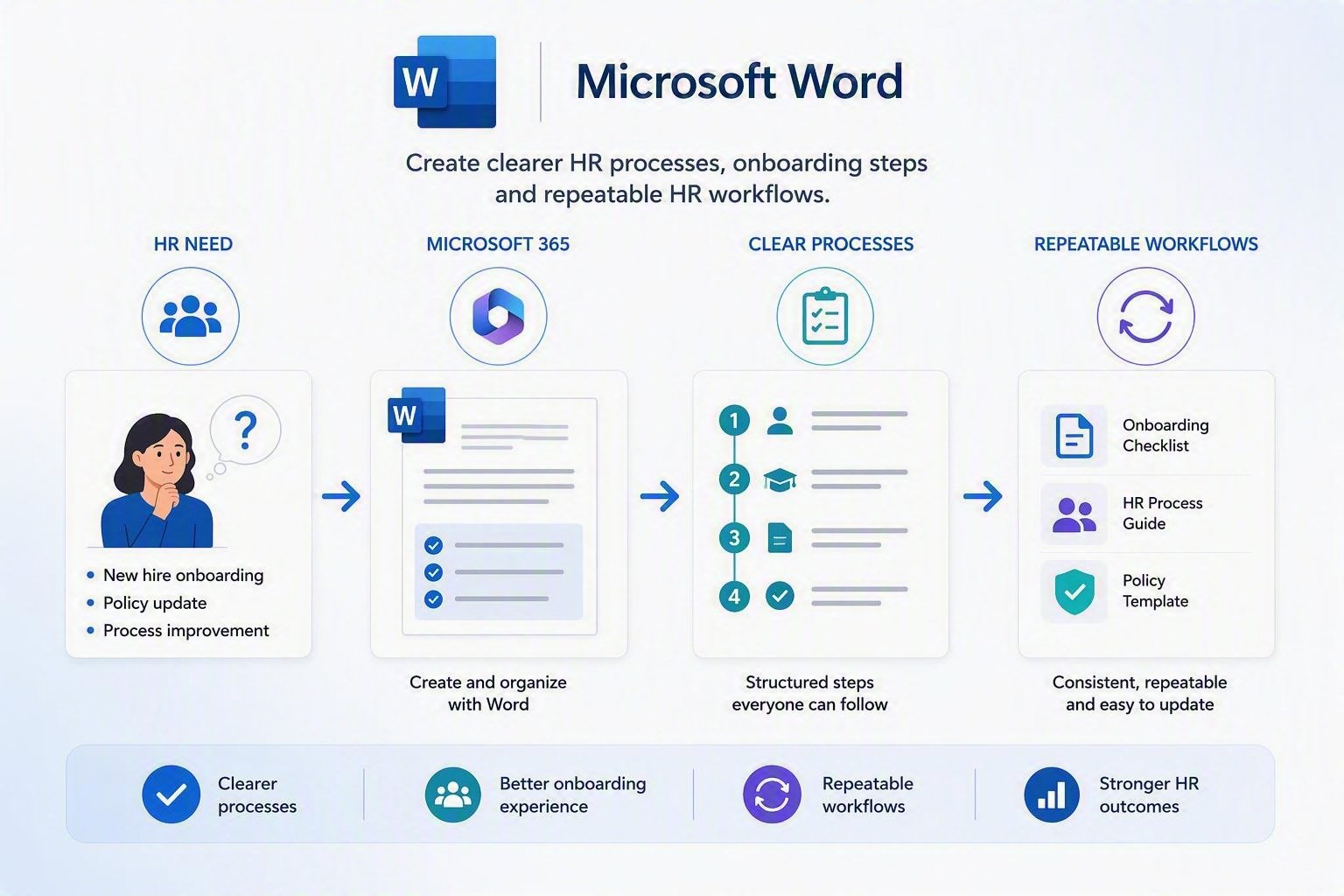
HR Management
Build a new Employee Onboarding Workflow with Copilot
Create clearer processes, onboarding steps and repeatable HR workflows.
What Will You Walk Away With?
Leave with more than inspiration. Take away a practical starting point for improving your work.
Your workshop ticket includes:
One focused live workshop
Attend a practical instructor-led session based on one business workflow.
One complete workflow demonstration
See how the task moves from the original problem to a reviewed business result.
A clearer prompting approach
Understand how better context and instructions can improve Copilot’s response.
One starter resource
Receive a worksheet, example prompt, checklist or supporting resource connected to the workshop topic.
Practical next steps
Identify one action you can take to start applying the workflow.
Limited live questions
Ask general questions connected to the workshop topic, subject to available time.
Here Is How Your Workshop Will Flow
Move from a familiar business problem to a clear action you can take after the session.
1. Start with the business problem
We introduce the workflow, why it matters and where professionals often lose time.
2. Examine the current way of working
See how repeated steps, missing information and unclear processes make the task harder.
3. Watch the live Copilot workflow
Follow the process as the facilitator turns business information into a useful first result.
4. Review what Copilot produced
Learn how to check the response for accuracy, clarity, relevance and missing context.
5. Improve the result
See how additional instructions and human judgement can strengthen the final output.
6. Connect it to your role
Consider where a similar workflow could help you, your team or your clients.
What Is the Difference Between the $49 Workshop and the $129 Mastermind
The workshop helps you experience one workflow. The Mastermind helps you keep implementing and improving.
Live Copilot Workshop
Starting at $49, one time
Choose the workshop if you want to:
- Attend one public live session
- Explore one predetermined workflow
- See a facilitator-led demonstration
- Receive one starter resource
- Learn without making a monthly commitment
- Decide whether Skillgine’s approach is right for you
The workshop does not include ongoing coaching, continuing accountability, recurring hot seats or access to the complete member resource collection.
Skillgine Copilot Mastermind
$129 per month
Choose the mastermind if you want to:
- Continuing monthly learning
- More advanced business workflows
- Relevant Copilot updates
- Member check-ins
- Selected workflow hot seats
- Monthly blueprints and templates
- Weekly reinforcement
- Implementation commitments
- Ongoing accountability
- Peer discussion and learning
The workshop shows you what is possible. The Mastermind helps you keep turning possibilities into working business practices.
Current Mastermind members receive complimentary access to designated public workshops. Members also receive continuing support and member-only benefits that are not included with a public ticket.
What you get
Workshop Packages
Team
3+ Users- Minimum three (3) users
- Attend one 60-min public live session
- Explore one predetermined workflow
- See a facilitator-led demonstration
- Receive one starter resource
- Learn without making a monthly commitment
- Decide whether Skillgine’s approach is right for you
Individual
Individual User- Attend one 60-min public live session
- Explore one predetermined workflow
- See a facilitator-led demonstration
- Receive one starter resource
- Learn without making a monthly commitment
- Decide whether Skillgine’s approach is right for you
Enterprise
10+ Users- Minimum ten (10) users
- Attend one 60-min public live session
- Explore one predetermined workflow
- See a facilitator-led demonstration
- Receive one starter resource
- Learn without making a monthly commitment
- Decide whether Skillgine’s approach is right for you
Frequently Asked Questions (F.A.Q)
Is this a webinar or a practical workshop?
It is a focused, instructor-led workshop. You will see one practical business workflow demonstrated and explained.
Do I need to be an experienced Copilot user?
No. The session uses clear, non-technical language. Basic familiarity with Microsoft 365 will be helpful.
Do I need a Microsoft Copilot licence?
You can learn by watching the demonstration. Your ability to practise the workflow during or after the workshop will depend on the Copilot tools and Microsoft licences available to you.
Will the workshop cover every Copilot application?
No. Each workshop focuses on one selected business workflow. This keeps the session practical and easier to apply.
What will I receive after the workshop?
You will receive the starter resource identified on the event registration page. This may be a worksheet, checklist or prompt resource related to the workshop topic.
Will I receive a recording?
A recording is only included when it is specifically stated on the event registration page.
Is the workshop the same as the Mastermind?
No. The workshop is a one-time introductory experience. The Mastermind is an ongoing monthly implementation and accountability programme.
Is Skillgine part of Microsoft?
Skillgine provides independent Microsoft Copilot training. Add the approved trademark and affiliation notice before publishing the page.
Can current Mastermind members attend?
Current Mastermind members receive complimentary access to designated public workshops.

Our Industry Partners
Technology Partner


Training Delivery Partner
Skillgine provides Microsoft Copilot training and implementation services to businesses across Canada and the United States. We help organizations assess AI readiness, train employees, design practical workflows, develop Copilot agents, connect business applications and support long-term Copilot adoption.
COPILOT TRAINING
Copilot Training for Businesses
Copilot Training for Solopreneurs
Copilot Training for Office Professionals
Copilot Training for Non-Profits
Startup Bootcamps
Role-Based Copilot Training (Coming Soon)
Train-the-Trainer Programme (Coming Soon)
READINESS & ADOPTION
Who We Help
Small and Mid-Sized Businesses
Office Professionals
Consultants and Trainers
Non-Profit Organizations
Associations and Member Groups
Colleges and Training Providers
Startups
Sales and Customer Service Teams (Coming Soon)
Executives and Managers ( Coming Soon)
HR Managers ( Coming Soon)
Programmes & Resources
COMMUNITY
Microsoft Copilot Blog
Skillgine Copilot User Group
Copilot Adoption Academy
Skillgine Newsletter
Frequently Asked Questions (F.A.Q)
What Does Skillgine Do?
Skillgine helps organizations implement and adopt Microsoft Copilot. Services include Copilot readiness assessments, practical employee training, workflow design, Copilot implementation, custom Copilot agents, Copilot Studio solutions, MCP setup, Zoho CRM integration and ongoing adoption support.
Does Skillgine Provide Microsoft Copilot Training?
Yes. Skillgine provides practical Microsoft Copilot training for businesses, managers, office professionals, consultants, non-profits and other organizations. Training focuses on using Copilot in daily work across Microsoft 365.
Does Skillgine Integrate Copilot with Business Applications?
Yes. Skillgine provides Copilot integration services for supported business applications, including Zoho CRM. Services can include readiness review, workflow design, agent configuration, permission planning, employee training and adoption support.
What Is Skillgine’s MCP Setup Service?
Skillgine helps organizations plan and configure approved connections between AI agents and selected business systems using Model Context Protocol. The engagement can include business-workflow review, authentication requirements, access permissions, supported actions, approval requirements and user adoption.
Where Does Skillgine Provide Services?
Skillgine provides virtual Microsoft Copilot training, readiness, implementation and integration services to organizations across Canada and the United States.
Speak with a Copilot Specialist
- 1-844-904-8943
- Email Us
- Canada & USA
STAY CURRENT WITH COPILOT


By subscribing, you agree to receive Skillgine news, training updates and event information. You may unsubscribe at any time.

Copyright © 2026 skillgine | Privacy | Terms | Sitemaps | Accessibility | Refund Policy | Partner Terms | AI Ethical Use Policy
Microsoft, Microsoft 365, Microsoft Copilot and related product names are trademarks of the Microsoft group of companies. Skillgine is an independent training, implementation and adoption services provider unless otherwise stated.